The modern small business landscape demands efficiency, precision, and exceptional customer service. For service-based businesses like salons, spas, and wellness centers, managing appointments manually creates bottlenecks that drain productivity and revenue. A scheduling app for small business transforms this challenge into an opportunity, automating booking workflows while delivering the personalized experience today's clients expect. According to research analyzing group scheduling behaviors, digital scheduling tools significantly reduce coordination friction and improve booking completion rates, making them essential infrastructure for service businesses in 2026.
Why Small Businesses Need Dedicated Scheduling Software
Traditional appointment management through phone calls, paper calendars, or basic spreadsheets creates multiple points of failure. Staff members spend valuable service time answering booking inquiries, clients call outside business hours, and double-bookings occur when coordination breaks down.
Financial impact of poor scheduling:
- Average cost per no-show for service businesses: $150-$250
- Staff time spent on phone bookings: 6-8 hours weekly
- Revenue lost to unfilled last-minute cancellations: 15-20% of potential income
- Client acquisition cost wasted on one-time visitors due to booking friction: $45-$85
A scheduling app for small business addresses these challenges by centralizing appointment management, automating client communications, and providing 24/7 booking access. Research from customer behavior studies shows that businesses offering online booking experience 40% fewer no-shows when automated reminders are implemented.
Core Features That Drive Business Results
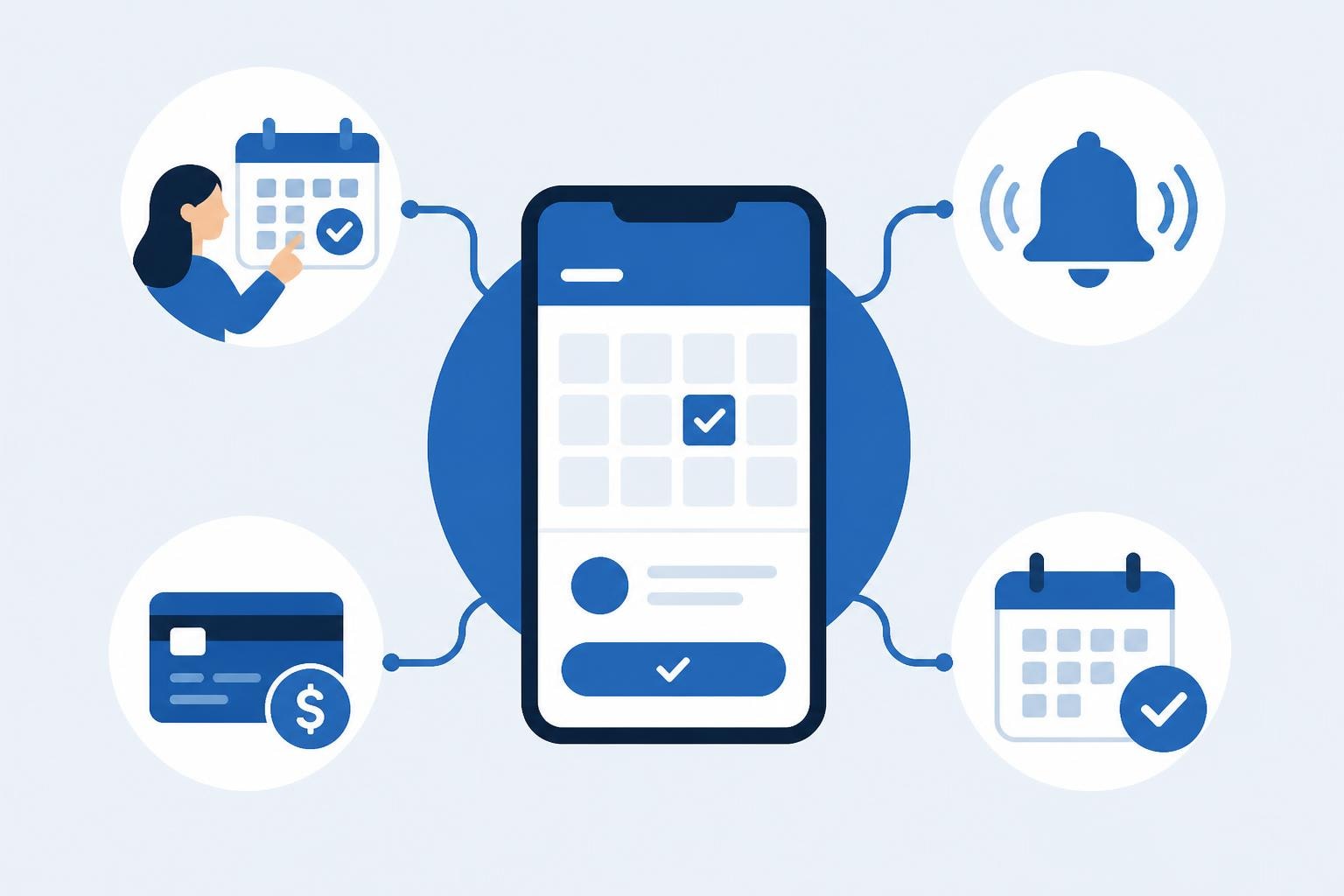
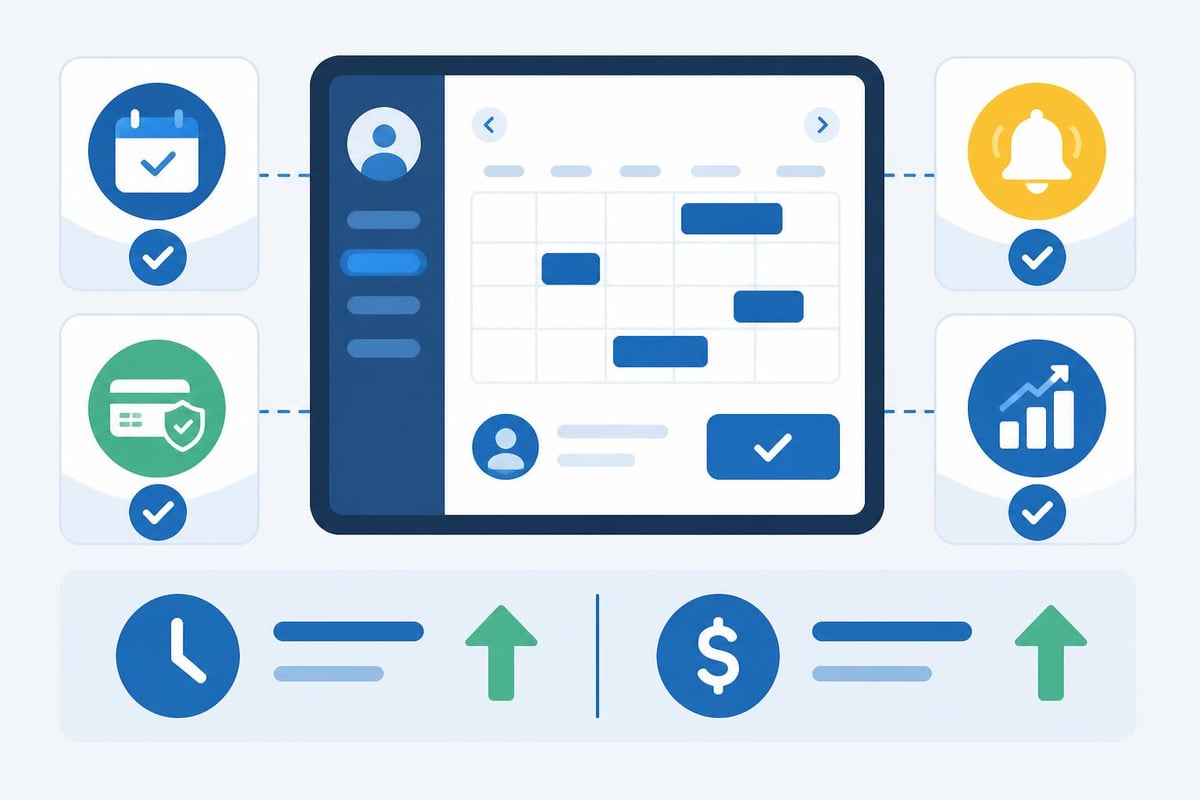
Not all scheduling platforms deliver equal value. The most effective solutions combine several essential capabilities that directly impact your bottom line.
| Feature Category | Business Impact | Essential Components |
|---|---|---|
| Automated Booking | Reduces staff workload 70% | Real-time availability, instant confirmation, calendar sync |
| Client Communications | Decreases no-shows 40% | SMS/email reminders, two-way messaging, confirmations |
| Payment Processing | Improves cash flow 35% | Deposits, pre-payments, integrated processing |
| Resource Management | Increases capacity 25% | Staff scheduling, room allocation, equipment tracking |
| Analytics & Reporting | Optimizes pricing strategy | Revenue tracking, peak time analysis, client retention metrics |
For businesses seeking comprehensive scheduling solutions tailored to various needs, evaluating features against your specific operational requirements ensures proper investment allocation.
Evaluating Scheduling Solutions for Service Businesses
The scheduling software market offers hundreds of options, from basic calendar tools to comprehensive business management platforms. Service businesses require specific capabilities that generic scheduling apps cannot provide.
Industry-Specific Requirements for Salons and Spas
Beauty and wellness businesses face unique scheduling challenges. Services vary in duration, staff members have different specialties, and clients often book multiple services in sequence. Your scheduling app for small business must accommodate these complexities.
Critical salon-specific features:
- Variable service duration management
- Staff skill and specialty matching
- Sequential service booking (color, cut, style)
- Product inventory tracking and sales
- Customizable booking rules and buffer times
- Client history and preference records
Many small business owners start with basic tools like Google Calendar for simple scheduling needs, but quickly discover limitations when managing multiple staff members, processing payments, or tracking client preferences. Dedicated salon scheduling software addresses these gaps with purpose-built functionality.
Integration Capabilities That Extend Value
Your scheduling platform should function as central nervous system for business operations, connecting with other critical tools. Integration eliminates duplicate data entry, reduces errors, and creates seamless workflows.
Essential integrations for service businesses:
- Payment processors – Accept deposits, process pre-payments, handle tips
- Marketing platforms – Email campaigns, loyalty programs, review requests
- Accounting software – Revenue tracking, expense management, tax preparation
- Point-of-sale systems – Retail sales, inventory management, commission tracking
- Communication tools – SMS messaging, video consultations, client portals
Platforms like HoneyBook CRM combine client management with scheduling and payment tools, demonstrating how integrated systems reduce administrative overhead for service-based businesses.
Implementation Strategy for Maximum Adoption
Purchasing software represents just the first step. Successful implementation requires strategic planning, staff training, and client migration to ensure positive return on investment.
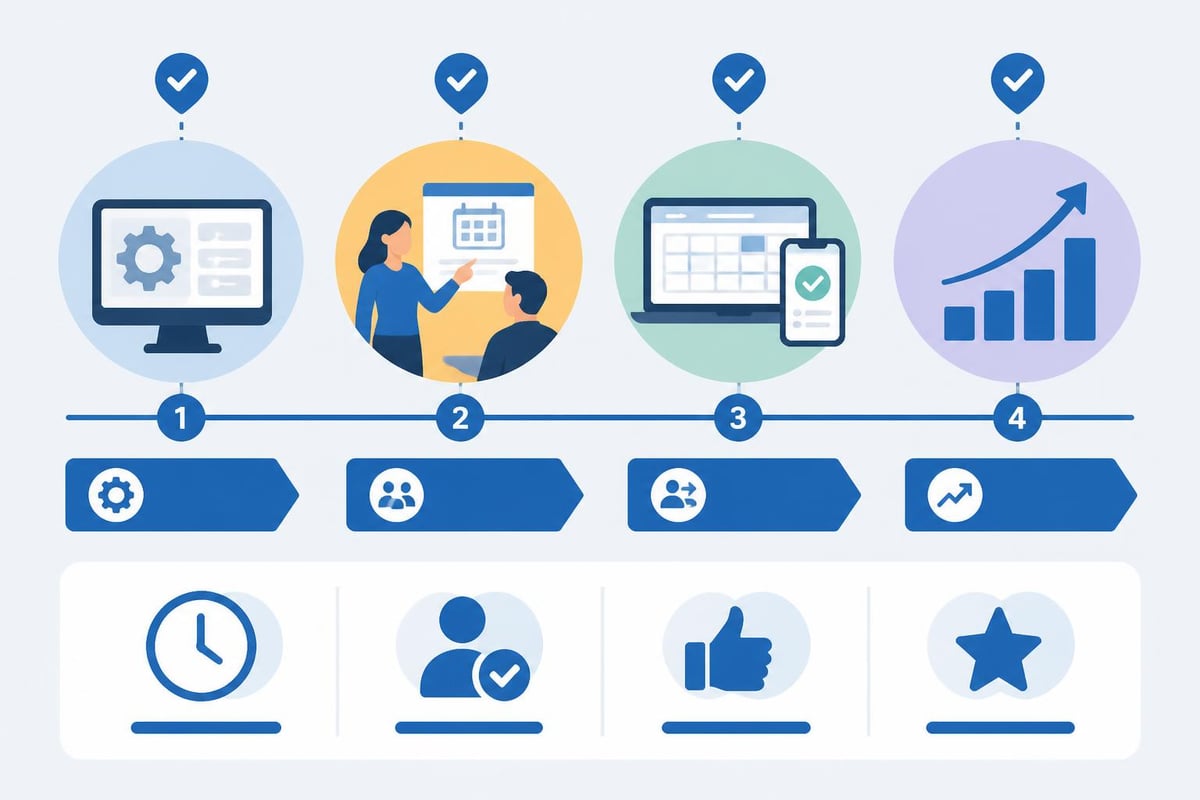
Phase 1: System Configuration and Customization
Begin by mapping your current appointment process, identifying pain points, and defining desired outcomes. This foundation ensures your scheduling app for small business configuration aligns with operational realities.
Week 1-2 setup checklist:
- Input complete service menu with accurate durations and pricing
- Configure staff schedules, skills, and booking preferences
- Establish buffer times between appointments
- Set up automated email and SMS templates
- Create booking rules (minimum notice, maximum advance booking)
- Design client intake forms for new customers
- Configure payment processing and deposit requirements
Testing each workflow before launch prevents confusion and builds confidence. Have staff members book test appointments, process sample payments, and trigger automated communications to verify system behavior.
Phase 2: Staff Training and Process Documentation
Technology adoption fails when team members lack proper training or resist workflow changes. Comprehensive onboarding transforms your scheduling app from obstacle to productivity enhancer.
| Training Component | Duration | Key Topics |
|---|---|---|
| Basic navigation | 30 minutes | Dashboard overview, appointment creation, client lookup |
| Client management | 45 minutes | Adding clients, updating preferences, viewing history |
| Schedule optimization | 60 minutes | Managing availability, handling cancellations, waitlist management |
| Payment processing | 30 minutes | Accepting deposits, processing payments, handling refunds |
| Reporting & analytics | 45 minutes | Revenue reports, booking trends, client retention metrics |
Create simple process documents with screenshots showing common tasks. Quick-reference guides reduce support requests and accelerate competency development.
Client Migration and Communication Strategy
Transitioning existing clients to online booking requires clear communication and strategic incentives. Gradual migration prevents overwhelm while demonstrating value.
Multi-Channel Migration Approach
Start by promoting online booking as a convenience option rather than mandatory requirement. This approach reduces resistance while building familiarity.
Effective migration tactics:
- In-person promotion – Show clients how to book during checkout
- Email campaigns – Send step-by-step booking instructions with screenshots
- SMS invitations – Include direct booking link after appointment reminders
- Social media content – Create short tutorial videos demonstrating booking process
- Incentive programs – Offer small discounts or loyalty points for first online booking
For local businesses, platforms like Bendo help showcase service offerings and connect customers with neighborhood businesses, complementing your direct booking system by increasing visibility among proximity-focused consumers.
Research on group scheduling behaviors reveals that user adoption increases significantly when booking interfaces require minimal learning curve and provide immediate confirmation feedback. Design your client-facing booking page with simplicity as the primary objective.
Addressing Common Client Concerns
Some clients, particularly those less comfortable with technology, may resist online booking. Proactive communication addressing specific concerns prevents abandonment.
Common objections and responses:
- "I prefer speaking to someone" – Emphasize that phone booking remains available while highlighting 24/7 online convenience
- "It seems complicated" – Provide simple visual guides and offer in-person walkthrough
- "I'm worried about privacy" – Explain security measures and data protection policies
- "What if I need to change my appointment?" – Demonstrate easy cancellation and rescheduling process
- "I don't want to pay online" – Clarify that payment policies remain flexible with online booking
Maintaining hybrid booking options during transition reduces friction while gradually shifting client behavior toward the more efficient digital channel.
Optimizing Scheduling Rules for Revenue Growth
Once your scheduling app for small business is operational, strategic configuration adjustments can significantly impact revenue, capacity utilization, and client satisfaction.
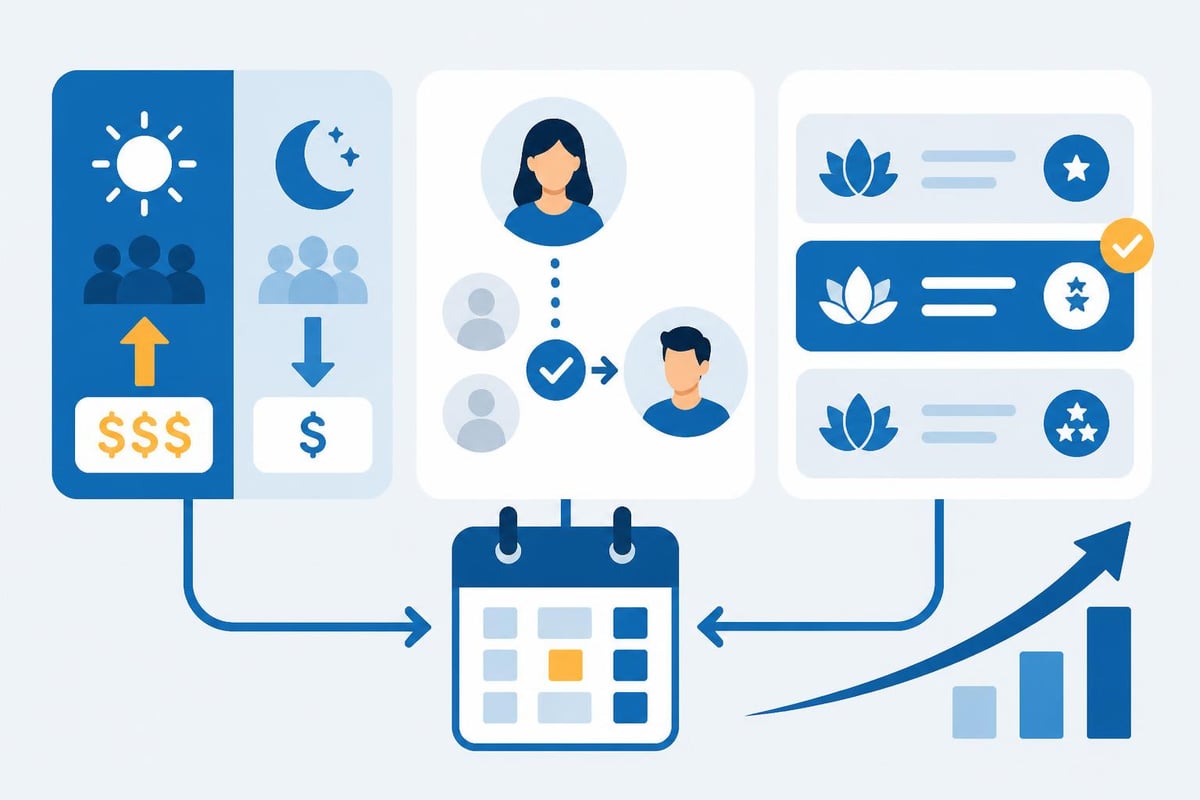
Dynamic Pricing and Availability Management
Advanced scheduling platforms enable sophisticated pricing strategies that optimize revenue per available hour while maintaining competitive positioning.
Revenue optimization strategies:
- Peak pricing – Charge premium rates for high-demand time slots (Saturday mornings, lunch hours)
- Promotional pricing – Offer discounts for traditionally slow periods (Monday mornings, mid-afternoon)
- Last-minute availability – Discount soon-to-be-empty slots to reduce idle time
- Package pricing – Bundle services at attractive rates that increase average transaction value
- Membership tiers – Provide preferential booking windows to loyal, high-value clients
Industry data from salon management studies shows that businesses implementing dynamic pricing strategies increase revenue per service hour by 18-23% without reducing total appointment volume.
Intelligent Waitlist Management
No-shows and cancellations create revenue gaps unless proactively managed. Automated waitlist functionality converts these gaps into opportunities.
When cancellations occur, your scheduling system should:
- Identify upcoming empty slots automatically
- Sort waitlist by proximity to appointment time
- Send automated notifications to qualified clients
- Allow one-click booking confirmation
- Notify you of successful fills
Businesses with active waitlist management recover 60-75% of revenue from last-minute cancellations, compared to 15-20% recovery rates with manual processes.
Analytics and Performance Tracking
Data-driven decision-making separates thriving businesses from struggling competitors. Your scheduling app for small business should provide actionable insights that guide strategic adjustments.
Key Performance Indicators for Service Businesses
Track metrics that directly correlate with business health and growth potential. Vanity metrics provide false confidence while critical indicators reveal optimization opportunities.
Essential KPIs to monitor weekly:
- Booking conversion rate – Percentage of booking page visitors who complete reservation
- Average appointment value – Total service revenue divided by number of appointments
- Capacity utilization – Percentage of available appointment slots actually booked
- No-show rate – Appointments missed without advance cancellation
- Client retention rate – Percentage of clients booking repeat appointments within 90 days
- Online vs phone booking ratio – Channel preference trends over time
Create a simple dashboard displaying these metrics to identify trends before they impact revenue. A sudden increase in no-show rate might indicate needed policy adjustments, while declining retention rates signal service quality or communication issues.
Revenue Forecasting and Capacity Planning
Historical booking data enables accurate revenue projections and informed staffing decisions. Most scheduling platforms generate reports showing booking patterns by hour, day, week, and season.
| Planning Metric | Business Application | Data Source |
|---|---|---|
| Peak booking times | Optimal staff scheduling | Hourly booking distribution |
| Seasonal trends | Inventory and marketing planning | Year-over-year comparisons |
| Service popularity | Menu optimization decisions | Service booking frequency |
| Staff productivity | Commission and scheduling fairness | Individual performance metrics |
| Client lifetime value | Marketing budget allocation | Client history and retention data |
Use these insights to adjust operating hours, modify service offerings, and allocate marketing spend toward highest-return activities.
Security, Compliance, and Data Protection
Client data represents both valuable business asset and significant responsibility. Your scheduling app for small business must implement robust security measures protecting sensitive information.
Essential Security Features
When evaluating scheduling platforms, verify that security infrastructure meets industry standards for financial and personal data protection.
Required security capabilities:
- PCI DSS compliance for payment processing
- SSL encryption for all data transmission
- Secure credential storage with encryption at rest
- Role-based access controls limiting staff data access
- Automatic backup systems preventing data loss
- GDPR compliance features for client data management and deletion requests
Small businesses face the same data breach consequences as large enterprises but often lack dedicated IT security resources. Choosing platforms with enterprise-grade security reduces risk exposure.
Privacy Policies and Client Consent
Transparent communication about data usage builds trust while ensuring regulatory compliance. Your booking system should clearly explain what information you collect, how you use it, and how clients can access or delete their data.
Include consent checkboxes for:
- Marketing communications (email, SMS)
- Review request messages
- Appointment reminders
- Referral program participation
- Data retention after final appointment
Respecting client privacy preferences prevents unsubscribe requests and maintains positive relationships.
Mobile Accessibility and Cross-Platform Functionality
Modern consumers expect seamless experiences across devices. Your scheduling app for small business must deliver consistent functionality whether clients book from phones, tablets, or desktop computers.
Mobile-First Design Principles
Over 70% of online appointments are booked via mobile devices, according to consumer behavior research. Mobile optimization directly impacts conversion rates and client satisfaction.
Mobile booking essentials:
- Responsive design that adapts to any screen size
- Touch-friendly interfaces with appropriately sized buttons
- Simplified forms minimizing required text entry
- Mobile payment options including digital wallets
- Quick-load pages preventing abandonment during booking process
Test your booking flow on multiple devices and browsers to identify friction points. Even small usability issues significantly reduce completion rates on mobile platforms.
Cross-Platform Synchronization
Business owners and staff need access to scheduling information from multiple locations and devices. Cloud-based scheduling platforms provide real-time synchronization ensuring everyone works from current data.
When a client books online at midnight, staff should see the appointment immediately on their mobile devices the next morning. When a receptionist updates an appointment time, the client should receive instant confirmation. This synchronization eliminates the confusion and double-bookings that plague disconnected systems.
Cost Analysis and Return on Investment
Investing in a scheduling app for small business requires evaluating both direct costs and opportunity value of improved efficiency and revenue capture.
Total Cost of Ownership
Beyond monthly subscription fees, consider implementation time, training investment, and potential integration costs when calculating true expense.
Complete cost breakdown:
- Software subscription – $25-$150 monthly depending on features and user count
- Payment processing fees – 2.5-3.5% of transactions processed through platform
- Implementation time – 10-20 hours for setup, configuration, and testing
- Staff training – 3-5 hours per team member for comprehensive onboarding
- Client migration communications – Design and distribution of promotional materials
Most small businesses achieve positive ROI within 60-90 days through reduced no-shows, increased booking volume, and decreased administrative time.
Quantifying Business Impact
Calculate expected returns based on your current operational metrics to justify investment and establish success benchmarks.
ROI calculation example for 3-chair salon:
- Current no-show rate: 12% of 240 monthly appointments = 29 missed appointments
- Average appointment value: $75
- Monthly no-show cost: $2,175
- Scheduling app reduces no-shows to 5% = 12 appointments saved
- Monthly savings from no-show reduction alone: $1,275
- Software cost: $89 monthly
- Net monthly benefit: $1,186
- Annual ROI: 1,337%
This calculation excludes additional benefits from increased booking volume, reduced phone time, and improved client retention, making actual returns substantially higher.
Implementing the right scheduling technology transforms appointment management from administrative burden into strategic advantage. For salon owners, barbers, and beauty professionals seeking comprehensive solutions, Salon Booking System delivers the specialized features, automation capabilities, and client-focused tools that drive measurable results. With proven reliability since 2016, the platform streamlines operations while creating the exceptional booking experience that builds loyalty and maximizes revenue.