Are you ready to streamline your appointment process and maximize bookings in 2026? Many salon owners and spa managers still struggle with outdated systems, leading to missed opportunities and client frustration. Modern online solutions offer a chance to reduce no-shows, boost revenue, and improve client satisfaction for every professional looking to create a booking experience that stands out.
This guide will walk you through assessing your unique requirements, choosing the right technology, configuring your booking process, optimizing for customer experience, and applying proven best practices. Follow these actionable steps to transform your business and achieve lasting success.
Assessing Your Booking Needs and Goals
Before you can successfully create a booking process that drives results, it is crucial to assess your current business landscape. A thorough evaluation of your services, workflows, and customer expectations will lay the groundwork for a system that adapts to your unique needs and helps you stay ahead in the evolving salon and spa industry.
Understanding Your Business Requirements
To create a booking system that truly fits, start by mapping out your core services. Are you focused on hair, beauty, spa, or wellness treatments? Each service type may require different resources and scheduling logic.
Next, analyze your busiest hours, staff shifts, and how you allocate rooms or equipment. Pinpoint common booking pain points, such as double-bookings, no-shows, or manual entry errors that slow down your operations.
Consider how your clients want to create a booking. Do they prefer online self-service or phone reservations? Are they booking from mobile devices or desktops? According to the 2025 Beauty and Wellness Benchmark Report, 70% of salon clients now choose online booking, making digital convenience a top priority.
If you have several locations or a large team, centralizing scheduling is essential. For example, a salon with three branches and 15 staff needs unified visibility to avoid conflicts. By identifying these requirements, you set the stage for a more efficient way to create a booking for every client.
Setting Clear Objectives for 2026
Once you understand your needs, define what you want to achieve with your new system to create a booking. Start by setting measurable goals such as increasing total bookings, reducing admin hours, or boosting client retention.
Establish key performance indicators (KPIs) to track progress:
| Objective | KPI Example |
|---|---|
| Increase bookings | Average daily bookings |
| Reduce cancellations | Cancellation rate (%) |
| Improve repeat business | % repeat visit rate |
Benchmark these KPIs against industry standards. For instance, online booking systems can reduce no-shows by up to 20%. Also, outline which integrations matter most, like payment processing, CRM, or automated marketing.
Consider a spa aiming to increase weekday bookings by 25% using targeted promotions. By aligning your goals and KPIs, you ensure your efforts to create a booking system contribute directly to business growth and client satisfaction.
Choosing the Right Booking System for Your Salon or Spa
Selecting the best platform to create a booking process is a pivotal decision for salons and spas. The right system will shape your daily operations, impact client satisfaction, and directly influence business growth. As the industry evolves, prioritizing modern, feature-rich technology is essential for maintaining a competitive edge.
Key Features to Look For in 2026
When you set out to create a booking system for your salon or spa, focus on features that address both current and future needs. A user-friendly interface is vital, ensuring staff and clients can navigate the platform effortlessly. Mobile responsiveness is non-negotiable, as clients increasingly book on the go, while app support offers added convenience.
Real-time calendar sync and availability management are crucial to avoid double-bookings and manual errors. Automated reminders—via SMS, email, or WhatsApp—help reduce no-shows and keep your schedule on track. Payment flexibility is another must, with options for full payments, partial deposits, or even pay-later models.
Integration capabilities should not be overlooked. Look for seamless connections with marketing tools, CRM, and POS systems for a unified workflow. Security and GDPR compliance are essential to protect client data and maintain trust.
For a comprehensive breakdown of booking platform capabilities, consult the Salon booking plugin features list. This resource clarifies which solutions best meet the demands to create a booking experience that stands out in 2026.
Evaluating Top Solutions
With so many platforms available, how do you evaluate which one will help you create a booking process that delivers results? Start by comparing feature sets, pricing models, customer support, and scalability. According to Modern Salon (2024), 60% of salons plan to upgrade their booking software by 2026, highlighting the rapid pace of change in the industry.
Consider a real-world example: a beauty center that switched to a cloud-based system saw a 30% increase in bookings, demonstrating the tangible benefits of investing in modern technology. As you compare options, use a checklist: schedule a demo, take advantage of trial periods, read verified customer reviews, and assess available support channels.
Future-proofing is also key. Look for AI-powered scheduling, loyalty program integration, and multi-language support to ensure your system adapts as your business grows. Benchmarks show that salons who create a booking process with advanced automation and analytics see measurable improvements in efficiency and revenue.
Careful evaluation ensures your team and clients benefit from a streamlined, secure, and scalable solution for years to come.
Step-by-Step Process to Create a Booking in 2026
Ready to transform the way you create a booking for your salon or spa? This step-by-step process will help you implement a modern, efficient system that reduces errors, saves time, and keeps clients coming back. Let’s break down each stage so you can build a seamless experience for your team and your customers.
Step 1: Set Up Staff and Service Availability
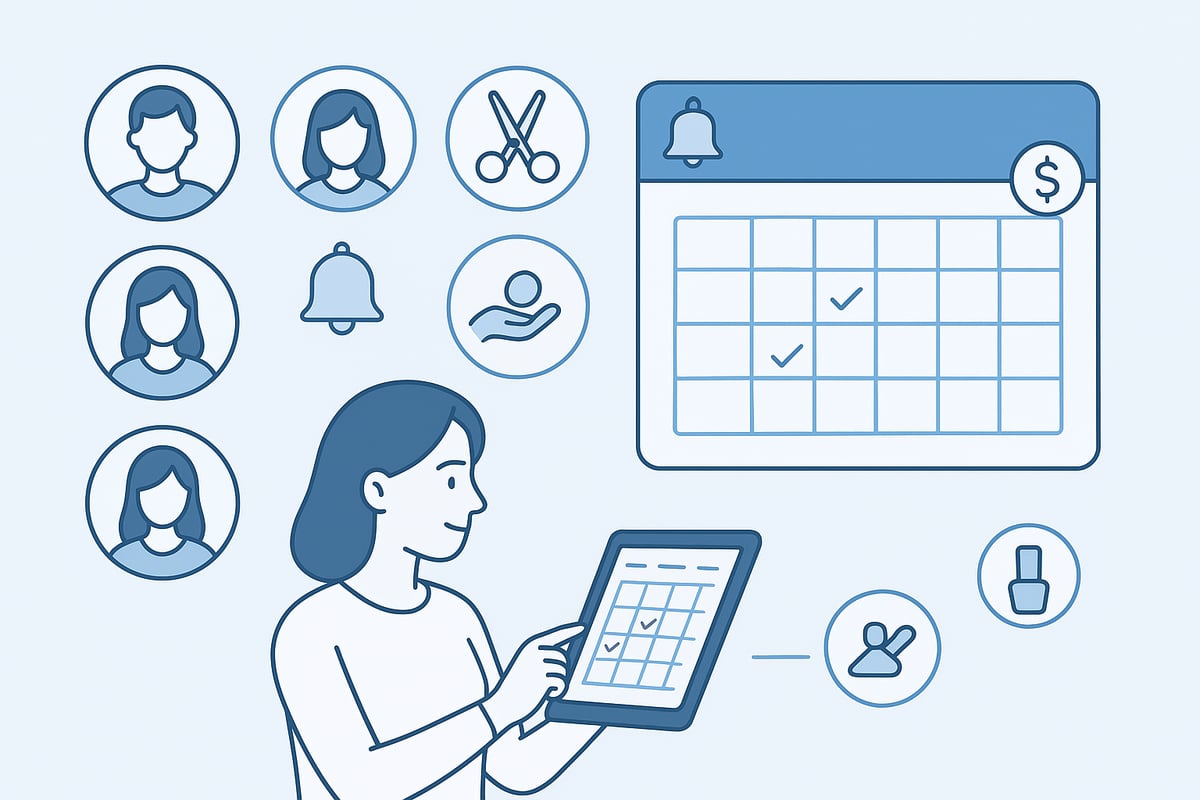
Begin by entering your staff profiles, their working hours, and the specific services each professional provides. This foundational step ensures that when clients attempt to create a booking, only available slots and qualified personnel are presented.
- Assign each employee their own calendar and specialty.
- Block out time for breaks, holidays, or personal appointments.
- Allocate rooms, devices, or other resources for each service.
Syncing with external calendars, such as Google or Outlook, can prevent double-bookings and maintain up-to-date schedules. For example, a barbershop that integrates lunch breaks and personal appointments into their system experiences far fewer scheduling conflicts. According to Ontraport (2025), 80% of double-bookings are eliminated with automated calendar checks, simplifying the way you create a booking for both staff and clients.
Step 2: Design Your Booking Page
The interface where clients create a booking should reflect your brand and provide an intuitive user experience. Customize your booking page with your logo, color palette, and detailed service descriptions.
- Use high-quality images for services and staff.
- Offer bundled services to encourage upselling.
- Ensure all forms are mobile-friendly and accessible.
A well-designed page helps clients easily select services, staff, and preferred times. For instance, a spa that features service bundles and clear images sees increased average transaction values. Making the booking process visually appealing and straightforward increases the likelihood that clients will complete their create a booking journey.
Step 3: Configure Booking Rules and Policies
Establish clear rules to protect your time and revenue. When you create a booking system, define advance notice requirements, cancellation windows, and buffer times between appointments.
- Set minimum/maximum advance booking and cancellation periods.
- Add buffers to avoid back-to-back scheduling issues.
- Clearly display cancellation and refund policies.
A strong policy, like a 24-hour cancellation window with automated fee collection, helps minimize last-minute cancellations and lost revenue. Communicate all rules transparently during the create a booking process to set client expectations and reduce disputes.
Step 4: Enable Online Payments and Deposits
Modern clients expect to pay online when they create a booking. Integrate secure payment gateways such as Stripe, PayPal, or WooCommerce to provide options for full, partial, or deposit payments.
- Offer instant confirmation upon successful transaction.
- Ensure PCI compliance and encrypted data handling.
- Allow clients to choose their preferred payment method.
According to Statista (2024), 50% of customers now prefer to pay online at the time they create a booking. Providing flexible, secure payment options not only enhances convenience but also reduces no-shows by ensuring client commitment.
Step 5: Automate Client Communications
Automating confirmations, reminders, and follow-ups is crucial when you create a booking process that prioritizes retention and satisfaction. Set up SMS, email, or WhatsApp notifications to keep clients informed.
- Personalize confirmation and reminder messages with client names and appointment details.
- Schedule follow-up requests for reviews or feedback.
- Encourage repeat visits through loyalty offers embedded in reminders.
For example, a salon that automates review requests after each create a booking has reported a 15% increase in Google reviews. Automated communications help reduce no-shows and foster ongoing engagement.
Step 6: Test and Launch Your Booking System
Before fully rolling out your new system, rigorously test every aspect of the create a booking workflow. Simulate bookings across various devices and scenarios, and request feedback from staff and select clients.
- Check that all services, staff schedules, and payment flows function without errors.
- Monitor for double-bookings, missed notifications, or accessibility issues.
- Use a checklist to ensure nothing is overlooked.
For additional support, access Video tutorials for salon booking to guide you through troubleshooting and optimization. A successful launch will set the stage for smoother operations and happier clients.
Optimizing the Client Booking Experience
Delivering a seamless client journey is essential for any salon or spa aiming to maximize bookings in 2026. Whether clients are tech-savvy or new to digital scheduling, every step should encourage them to confidently create a booking. Optimizing this experience not only increases conversion rates but also strengthens client loyalty and repeat visits.
Streamlining the Customer Journey
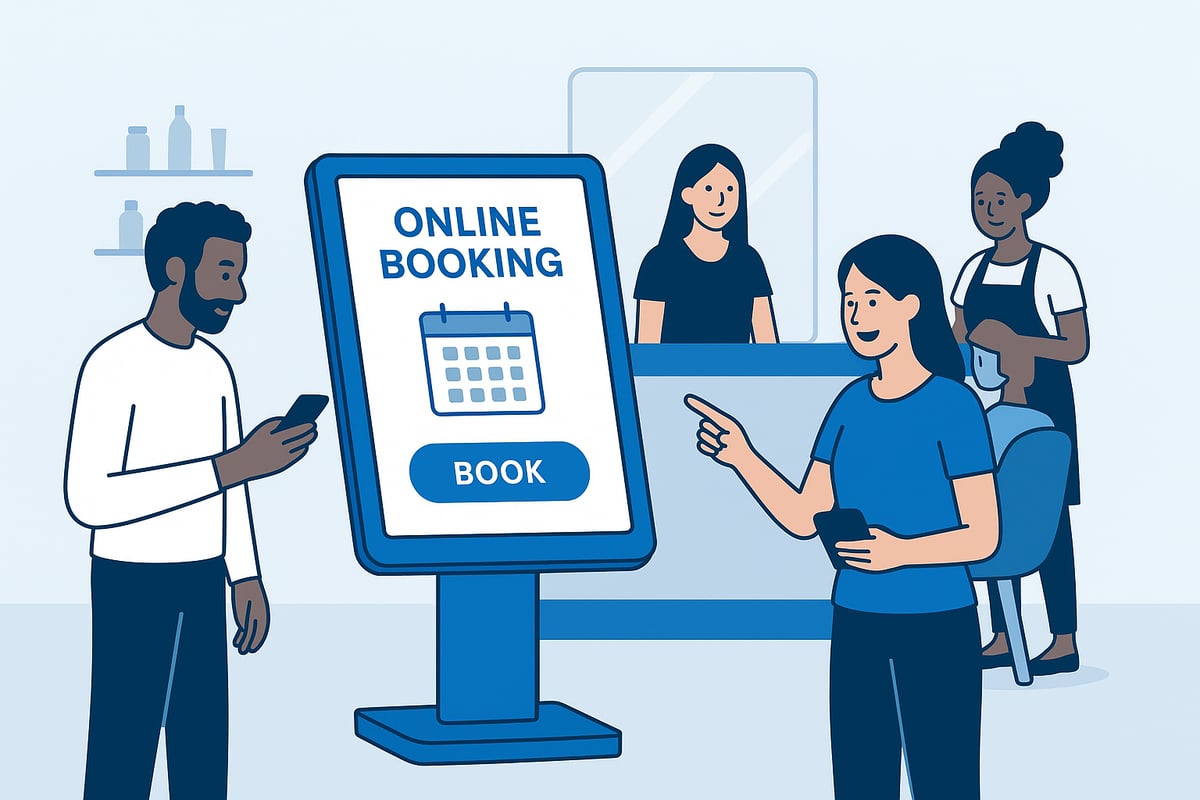
The journey to create a booking should be as intuitive as possible. Clients expect to schedule appointments quickly, with minimal friction. Simplify the process by reducing required fields and allowing both guest and account-based options. Displaying real-time availability and instant confirmations reduces uncertainty and builds trust.
Offer one-click rebooking for returning visitors. This not only saves time but also encourages loyalty. According to Top 5 Beauty and Wellness Industry Trends for 2025, digital touchpoints now dominate the client journey, making a streamlined online experience essential. By refining each step, more clients will complete the process and create a booking.
- Minimize form fields for faster completion
- Enable guest checkout and user accounts
- Confirm bookings instantly to reassure clients
Personalization and Upselling Opportunities
Leverage client data to personalize every opportunity to create a booking. Use profiles and booking history to suggest relevant services, add-ons, or bundled packages during the process. Present loyalty rewards or exclusive offers at checkout to increase the perceived value.
Personalized recommendations boost average transaction values and foster repeat business. For example, if a client often books facials, highlight related treatments or special packages. This approach not only enhances satisfaction but also maximizes revenue each time clients create a booking.
- Suggest add-ons based on service history
- Display loyalty points or rewards during checkout
- Highlight limited-time packages or seasonal offers
Accessibility and Inclusivity
Ensuring everyone can create a booking is vital for expanding your client base. Confirm your booking platform meets WCAG 2.1 accessibility standards so all users, including those with disabilities, can navigate with ease. Support for multiple languages and currencies opens your doors to international clients and tourists.
A fully accessible booking system demonstrates commitment to inclusivity and compliance, while also reducing barriers that might prevent someone from choosing your business. For example, a spa chain attracting overseas tourists benefits greatly from multi-language support, ensuring every guest can create a booking without confusion.
- WCAG 2.1 compliance for all booking pages
- Multi-language and multi-currency support
- Clear, readable font and logical navigation
Managing and Improving Your Booking Workflow
Efficiently managing your workflow after you create a booking system is essential for long-term success. By tracking key metrics, embracing continuous improvement, and leveraging automation, salons and spas can maximize performance and client satisfaction.
Tracking Performance and Gathering Insights
To optimize how you create a booking, start by monitoring your core metrics. Use built-in analytics to track booking rates, cancellation percentages, and staff utilization. Comparing these numbers to your original KPIs highlights what is working and where you can improve.
Industry statistics show that salons using digital tools see up to 30% higher client retention and improved efficiency (Digital Transformation in the Salon Industry Statistics). Export data regularly for deeper analysis or integration with CRM and marketing platforms. This approach ensures you are not just collecting data but turning it into actionable insights.
Continuous Improvement Strategies
After you create a booking workflow, keep refining it. Regularly gather feedback from both clients and staff—simple surveys or direct conversations can reveal pain points or opportunities. Experiment with A/B testing for booking page layouts, reminder timings, or promotional messages to discover what resonates most.
Stay updated on new features and industry trends. For example, implementing loyalty programs or targeted promotions can increase repeat bookings by over 20%. Continuous iteration ensures your booking process evolves alongside client expectations and market changes.
Advanced Automation and Integration
To further streamline how you create a booking, leverage advanced automation and integration features. Modern solutions allow API connections for syncing with calendars, marketing tools, and payment platforms. Automate recurring bookings and follow-up campaigns to save time and reduce manual tasks.
Many salons now use service company scheduling software to connect workflows, automate reminders, and manage resources across locations. By integrating these tools, you build a resilient, future-ready system that adapts to changing business needs and maximizes operational efficiency.
Ensuring Security, Compliance, and Future-Proofing
Protecting client data and financial information is essential every time you create a booking. Prioritize compliance with regulations like GDPR and CCPA by using booking systems that offer encrypted data storage and secure payment gateways. Regularly reviewing privacy policies and permission settings ensures your salon or spa stays up to date with evolving legal requirements. For practical guidance, explore this case study: Fresha alternatives to see how real businesses address security and compliance during booking system migrations.
To future-proof how you create a booking, choose a platform that supports regular updates and emerging technologies. Look for features such as AI-powered scheduling, voice-enabled bookings, and AR/VR consultations. Implement multi-factor authentication, and keep software and plugins current to patch vulnerabilities. For example, a spa using biometric authentication for staff access significantly reduces internal risks. According to PwC (2024), 65% of consumers rank data security as their top concern when booking online, making robust protection an industry standard.
Now that you have a clear roadmap to building an efficient and modern booking process for your salon or spa in 2026, why not put these strategies into action? By embracing a user-friendly system that streamlines scheduling, reduces no shows, and delights your clients, you’re setting your business up for long term success. You don’t have to make a big commitment upfront—take the first step and explore all the features risk free. If you’re ready to transform your appointment management and see real results, Start for free and experience the difference for yourself.