Online reservations are transforming at lightning speed, and by 2026, clients expect a frictionless digital booking journey. For salon owners and beauty professionals, adapting to this shift is essential to remain competitive and meet rising expectations.
The wp booking system gives rental businesses, property managers, and service providers the tools to streamline reservations and minimize manual work. With this solution, you can save time, reduce costly errors, maximize occupancy, and deliver a superior client experience.
This comprehensive guide will walk you through setup, configuration, advanced features, and proven strategies, empowering you to master wp booking system for your business in 2026.
Understanding WP Booking System: Core Features & Use Cases
The wp booking system stands out as a robust and adaptable solution for salon owners and service professionals seeking to modernize their reservation process. This section explores its core features, highlights practical use cases, and demonstrates why it has become a trusted choice in the beauty and wellness industry.
What is WP Booking System?
WP Booking System is a dedicated WordPress plugin designed for online reservations. With over 10,000 active users and a near-perfect satisfaction score on WordPress.org, it has earned a strong reputation for reliability and ease of use. The plugin is tailored for rental businesses, property managers, and service-based professionals who want a lightweight, fast, and highly customizable booking solution.
Unlike complex enterprise software, wp booking system focuses on daily and multi-day bookings, making it ideal for holiday homes, car rentals, equipment hire, and similar needs. It does not support time slots, which simplifies scheduling for businesses with day-based services. Its flexibility and simplicity are often praised in more than 334 positive user reviews as of 2026.
Key Features: Free vs Premium
WP Booking System offers a comprehensive set of tools in both its free and premium versions. The free version includes a booking calendar, customizable forms, shortcode and Gutenberg block integration, and support for multiple languages. This allows salons and spas to quickly embed a booking calendar on their website without extra costs.
The premium version unlocks advanced features such as online and offline payments, iCalendar sync, unlimited calendars and forms, custom legends, split days, and multi-month views. Businesses can accept payments through Stripe, PayPal, or WooCommerce, and synchronize their calendars with platforms like Airbnb or Booking.com. Enhanced user management and translation tools serve global businesses, while regular security updates (with over 40 releases since 2020) ensure stability.
| Feature | Free Version | Premium Version |
|---|---|---|
| Booking Calendar | Yes | Yes |
| Custom Forms | Yes | Yes |
| Payments | No | Yes (Stripe, PayPal, WooCommerce) |
| iCalendar Sync | No | Yes |
| Unlimited Calendars | No | Yes |
| Advanced Notifications | No | Yes |
WP Booking System’s ongoing development keeps it current with industry needs.
Typical Use Cases & Success Stories
Salons, spas, B&Bs, car rentals, and even event spaces benefit from wp booking system’s versatility. Its stability and responsive support are frequently highlighted in user reviews. For example, a spa manager implemented a custom discount code for mid-week treatments after consulting the support team, reducing manual admin and boosting midweek occupancy.
Automated notifications and a streamlined booking flow have led to improved client experiences and reduced no-shows. According to industry benchmarks, the plugin is part of a thriving market where similar solutions have been downloaded over 720,000 times. For more inspiration and real-world ideas, check out these booking system examples for business.
WP Booking System empowers beauty professionals to focus on delivering quality service rather than managing paperwork.
Step-by-Step Setup: Installing & Configuring WP Booking System
Efficient online reservations start with a smooth setup. Whether you manage a salon, spa, or rental business, mastering the wp booking system ensures your clients enjoy a seamless booking experience from day one.
Installation & Initial Setup
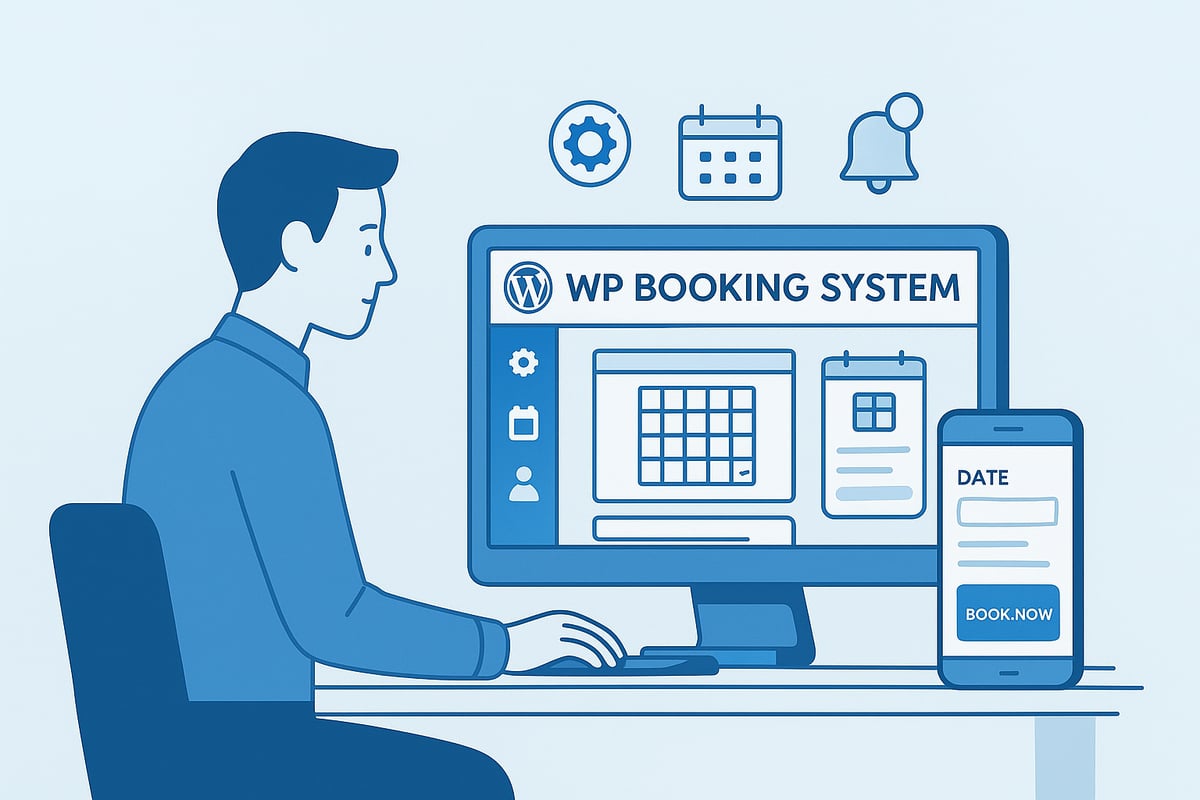
Start by downloading the wp booking system plugin directly from the WordPress.org repository or your WordPress dashboard. Once downloaded, upload the plugin file through Plugins Add New Upload Plugin, then activate it.
After activation, find the WP Booking System menu on your dashboard. The plugin’s onboarding wizard guides you through essential settings, helping you configure currency, date format, and timezone for your business.
For your first calendar, click Add New Calendar. Give it a descriptive name, such as “Salon Appointments” or “Summer Rentals.” With just a few clicks, you have a functional booking calendar ready to display availability and accept reservations.
Creating & Customizing Your Booking Calendar
Within the wp booking system interface, select Add New Calendar to begin. Enter a clear title and description to help staff and clients identify the calendar’s purpose. Adjust the default calendar view to show one or multiple months, depending on your booking window.
Mark available and unavailable dates individually or in bulk. This is especially useful for blocking out holidays or maintenance periods. Customize the calendar’s appearance by changing colors, adding custom legends, and toggling week numbers. You can also set the first day of the week and hide past bookings to keep the interface current.
For example, a holiday rental manager can highlight all summer dates as available and use color codes to indicate peak and off-peak periods. Consistent customization ensures your calendar aligns with your brand and provides clarity to clients.
Building & Embedding Booking Forms
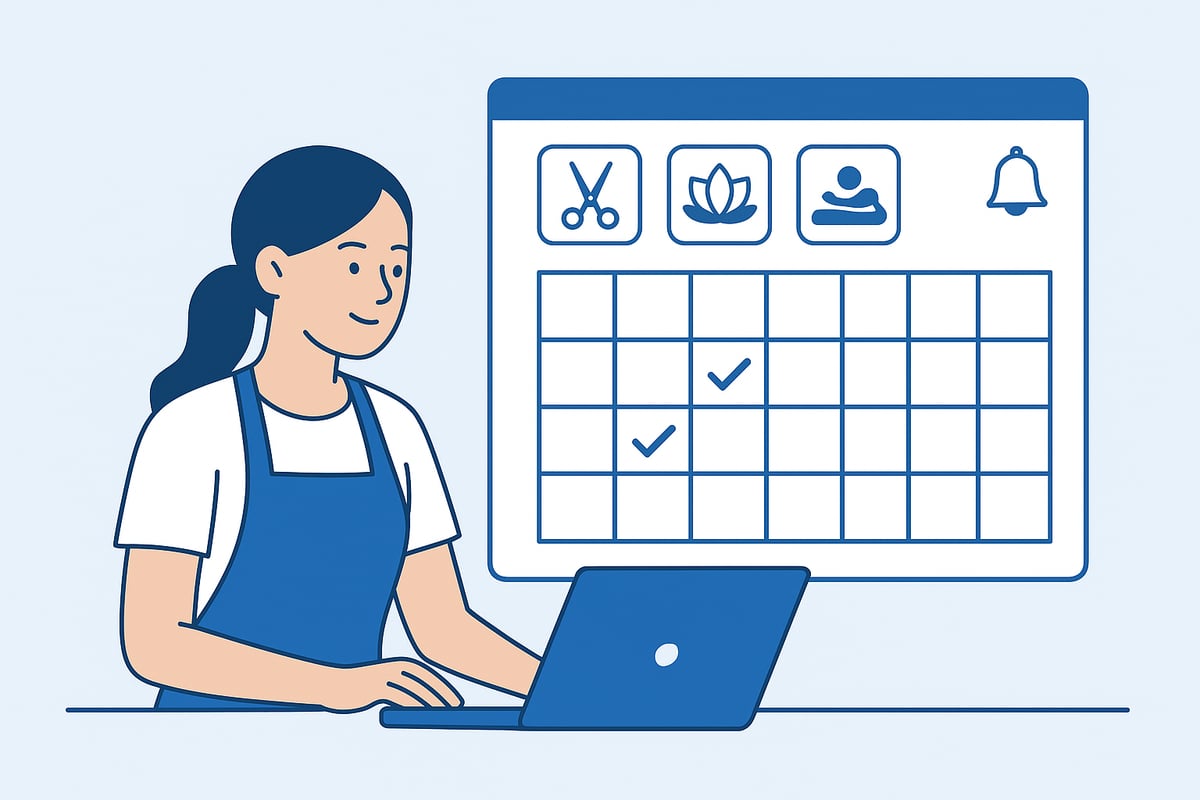
The wp booking system makes form creation intuitive. Build a new booking form by adding essential fields such as client name, email, and phone. You can set fields as required or optional, and add custom fields for special requests like preferred stylist or treatment type.
To embed your booking form and calendar on your website, use shortcodes, Gutenberg blocks, or widgets. This flexibility lets you display booking options anywhere on your site, from a dedicated “Book Now” page to your homepage sidebar. For example, a spa might create a form that asks for the client’s preferred therapist and treatment, making the experience more personalized.
Mobile responsiveness is built in, so clients can book appointments easily from their smartphones or tablets. The wp booking system also supports multilingual forms, enabling you to translate fields and notifications for a broader audience. This adaptability is key for salons and spas serving diverse communities.
Advanced Features: Payments, Automation & Calendar Sync
For salon owners and beauty professionals, mastering advanced features of the wp booking system is the key to streamlining operations and maximizing client satisfaction. Modern booking platforms are no longer just about managing appointments—they are about integrating payments, automating tasks, and syncing calendars seamlessly.
Enabling Online & Offline Payments
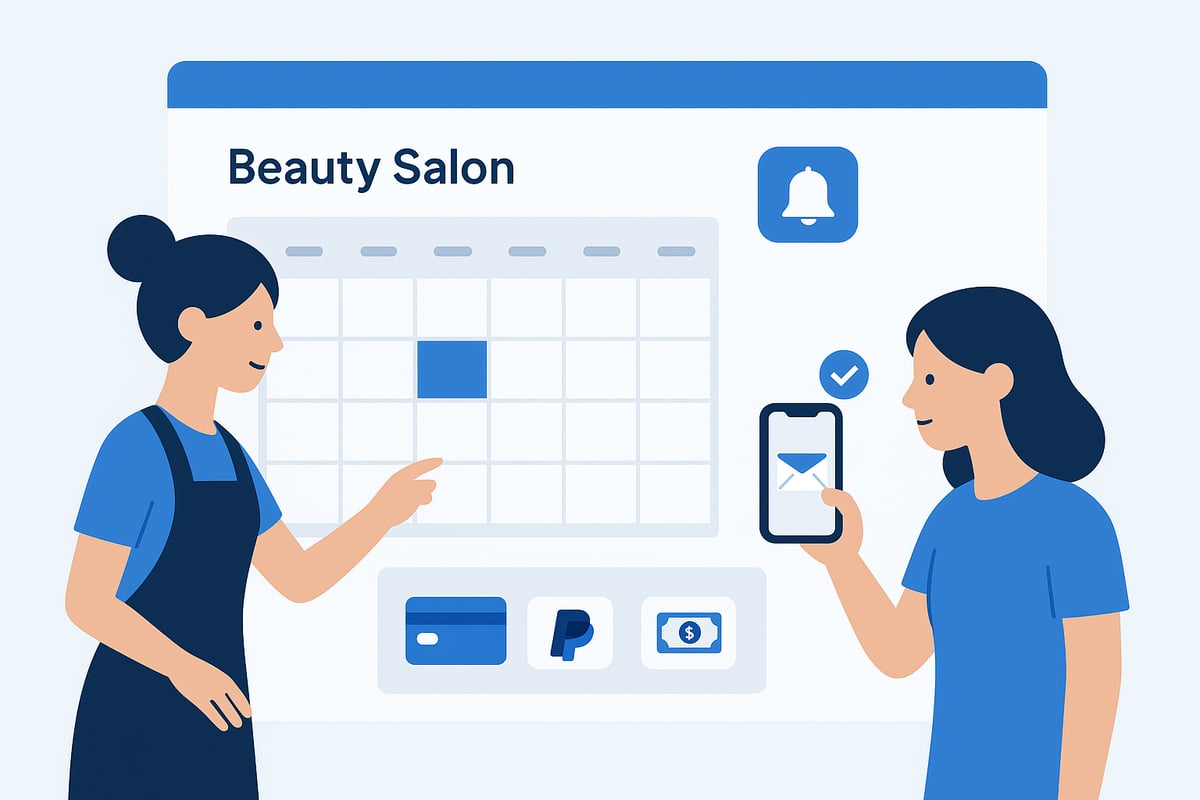
Accepting payments directly through the wp booking system transforms how salons and spas manage client transactions. With the premium version, you can integrate leading gateways like Stripe, PayPal, and WooCommerce, enabling secure online and offline payment options.
Payment setup is straightforward: configure rules for deposits, full payments, or cash on arrival. For example, you might require a 30% deposit during peak weekends and accept balance payments in person. This flexibility helps reduce no-shows and improve cash flow.
Security is a core focus, with regular updates to payment modules. According to industry data, salons using integrated payment solutions see up to a 25% reduction in missed appointments. For those seeking more insights into payment-enabled plugins, you can explore this WordPress booking and payment plugin resource for practical guidance.
iCalendar Sync & External Integrations
Keeping your appointment calendar up to date across all platforms is essential. The wp booking system offers robust iCalendar (.ics) sync with external services such as Airbnb, Booking.com, and Google Calendar. This means your salon’s availability is always accurate, preventing double bookings and streamlining multi-channel management.
To enable syncing, simply import or export .ics files from your wp booking system dashboard. This is especially useful for businesses managing multiple channels, like a spa with both direct and third-party bookings. According to recent surveys, 60% of property managers and similar service providers rely on multi-channel calendar sync to avoid costly scheduling conflicts.
A practical example: a beauty studio owner can sync bookings from the salon website with Google Calendar, ensuring staff and clients see up-to-date availability at all times.
Automating Notifications & Reminders
Automation is a game changer for busy salons. The wp booking system allows you to set up automatic email confirmations for both clients and administrators, reducing manual follow-up and minimizing errors.
Customizable templates ensure that every message reflects your brand’s voice. You can send timely reminders before appointments, notify clients of changes, or handle cancellations efficiently. For instance, a spa might schedule an automatic reminder 48 hours before a client’s facial, which industry studies show can cut no-shows by up to 30%.
Set up takes just minutes, and multilingual support means your notifications can reach clients in their preferred language, enhancing the overall booking experience.
User Management & Permissions
Managing staff access and maintaining accountability is crucial in multi-user environments. The wp booking system provides granular user roles, allowing you to assign permissions for calendar management, booking approval, or client communication.
For example, a multi-location salon can grant each branch manager access only to their respective booking calendar. All actions are logged, creating a transparent booking history for security and quality control.
This level of control not only streamlines daily operations but also safeguards sensitive client and payment data. As your team grows, these features ensure the wp booking system remains secure and organized, supporting your salon’s continued success.
Optimizing the Booking Experience: Best Practices for 2026
Delivering a seamless booking experience is vital for salons and spas aiming to meet client expectations in 2026. A well-optimized wp booking system not only attracts new bookings but also fosters loyalty and reduces administrative stress. Let us explore the essential strategies for creating a user-focused, secure, and accessible booking experience.
Designing a User-Friendly Booking Flow
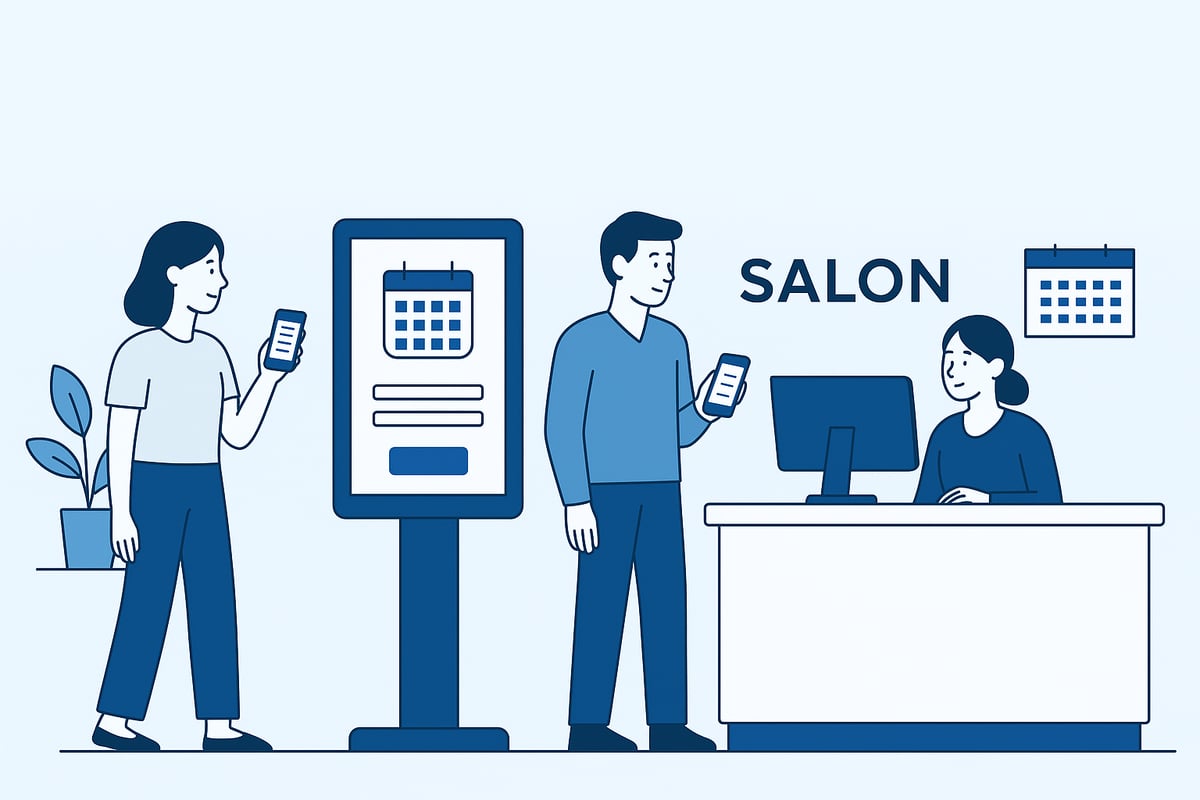
Clients expect online reservations to be quick and intuitive. The wp booking system makes it easy to streamline every step.
- Minimize steps in the booking process. Use clear labels and guidance so clients know what to do next.
- Adopt a mobile-first approach, as 70% of bookings in 2026 are made from smartphones (Statista).
- Display real-time availability and provide instant confirmation to reassure clients.
A typical flow should look like this:
- Client selects dates
- Fills out a simple form
- Confirms the booking
This straightforward approach with wp booking system reduces errors and encourages more completed reservations.
Customization & Branding
Branding your calendar and booking forms builds trust and reinforces your salon’s identity. The wp booking system offers extensive customization tools.
- Match colors and fonts to your website’s branding.
- Add tooltips and legends to explain booking details.
- Use custom fields to gather relevant client information, such as “preferred stylist” or “service type.”
For example, a spa might use wp booking system to add a “preferred therapist” option, making the process personal and engaging.
Accessibility & Multilingual Support
Inclusive design ensures all clients can access your services. The wp booking system supports accessibility and multiple languages for a global audience.
- Ensure calendars and forms meet WCAG accessibility standards.
- Translate every field, notification, and label for multilingual clients.
- Offer booking in English, Spanish, and French to welcome international guests.
With wp booking system, salons can reach the 35% of hospitality businesses now serving clients worldwide (industry report).
Data Security & Privacy Compliance
Protecting client data is non-negotiable. Modern clients expect robust security and transparent privacy practices.
- Use SSL certificates and secure payment gateways for all transactions.
- Add GDPR-compliant consent fields and clear privacy notices.
- Regularly update your plugin to fix vulnerabilities and keep data safe.
For actionable tips on security and compliance, refer to Best Practices for Booking Platforms, which details industry standards for privacy and user experience.
A strong wp booking system automatically deletes expired bookings, helping you stay compliant and maintain client trust.
Troubleshooting, Support & Community Resources
Navigating the digital landscape means even the best booking tools can encounter occasional hiccups. Salon professionals using wp booking system benefit from a robust support community and reliable troubleshooting resources designed to keep their operations running smoothly.
Common Issues & Solutions
Most wp booking system issues stem from plugin conflicts, shortcode errors, or misconfigured forms. Calendar display problems often occur if shortcode parameters are incorrect or if there is a theme conflict. Always check that you have copied the correct shortcode and placed it in a supported area.
For form errors, verify all required fields are set up and that email notifications are configured correctly. If payments fail, double-check your payment gateway credentials and ensure your plugin is updated to the latest version. Consulting the extensive FAQs and documentation on the plugin’s website can resolve many issues quickly.
Leveraging Support & Community
Accessing support for wp booking system is straightforward. Users can reach out through the official WordPress.org forums or the developer’s website. Many salon owners praise the responsive support team, which often provides custom code for unique business needs.
Joining the user community offers additional benefits, such as sharing best practices, feature requests, and staying informed about new releases. Over 334 positive reviews highlight the strong support experience, building trust for salon professionals adopting this booking solution.
Staying Updated: Changelog & New Features
Keeping wp booking system updated is essential for security and performance. Regular plugin updates provide new features, compatibility improvements, and bug fixes. Reviewing the changelog helps you track enhancements and stay ahead of potential issues.
Salon managers should consider participating in beta testing or submitting feedback to influence future features. For a detailed look at update history and changelogs, visit Plugin updates and changelogs. Staying proactive ensures your booking system remains reliable as technology and client needs evolve.
WP Booking System vs. Other Booking Solutions
Selecting the right online booking tool is crucial for modern salon and spa businesses. With so many options available, it is essential to understand how wp booking system compares to other leading solutions. Below, we break down the strengths, limitations, and future trends shaping your decision in 2026.
Feature Comparison with Leading Plugins
When evaluating booking plugins, wp booking system stands out for its lightweight build, customization, and user satisfaction. Compared to alternatives like Bookly, Amelia, and Booking Calendar, it excels in simplicity and multilingual support, making it an ideal choice for salons with global clients.
| Feature | WP Booking System | Bookly | Amelia | Booking Calendar |
|---|---|---|---|---|
| Free Version | Yes | Yes | Yes | Yes |
| Multi-Language Support | Yes | Limited | Yes | Yes |
| Payment Gateways | Stripe, PayPal | Many | Many | Limited |
| iCalendar Sync | Yes (Premium) | Yes | Yes | Yes |
| Time-Slot Booking | No | Yes | Yes | Yes |
| Advanced Reporting | Limited | Robust | Robust | Basic |
For those weighing free options, our Free schedulers and booking tools guide provides additional context. While wp booking system does not support time-slot bookings, its calendar-based approach is perfect for full-day reservations like spa rooms or equipment.
Choosing the Right Solution for Your Business
To choose the best fit, start by listing your business needs. Are you managing properties, event spaces, or appointment-based services? wp booking system is ideal for rental and resource-based bookings, especially if you require iCalendar sync or multi-user roles.
Checklist for 2026:
- Mobile-first booking experience
- Secure online payments
- Automated notifications
- Multi-calendar and user management
- Integration with external platforms
A multi-location salon or spa will benefit from wp booking system’s flexible calendar setup and global-ready features, ensuring smooth operations as you grow.
Future Trends in Online Reservations
The online booking landscape is evolving rapidly. By 2028, 85% of bookings are expected to be automated, with AI-driven assistants and predictive analytics taking center stage. Clients demand real-time availability and instant confirmation, and integration with smart devices is becoming standard.
For more on what lies ahead, explore the Online Booking System Trends 2024. Staying ahead with wp booking system ensures your salon remains competitive, ready to embrace automation and the next wave of digital innovation.
Now that you have a clear understanding of how WP Booking System can revolutionize your online reservations in 2026, you can see the difference a streamlined, user-friendly solution makes for salons and small businesses. By simplifying appointment management, supporting online payments, and automating notifications, you are not just saving time—you are elevating your clients’ experience and staying ahead of industry trends. If you are ready to put these best practices into action and see how effortless managing bookings can be, you can Start for free and explore the benefits for yourself.