Managing appointments efficiently stands as one of the most critical operational challenges for salon owners in 2026. According to Acuity Scheduling's 2025 industry report, businesses that implement automated booking systems see a 37% reduction in scheduling errors and a 42% decrease in no-show rates compared to manual scheduling methods. For salon professionals seeking to streamline their operations, selecting the right wordpress service booking plugin can transform how they manage client appointments, staff schedules, and revenue optimization.
Understanding WordPress Service Booking Plugins for Salons
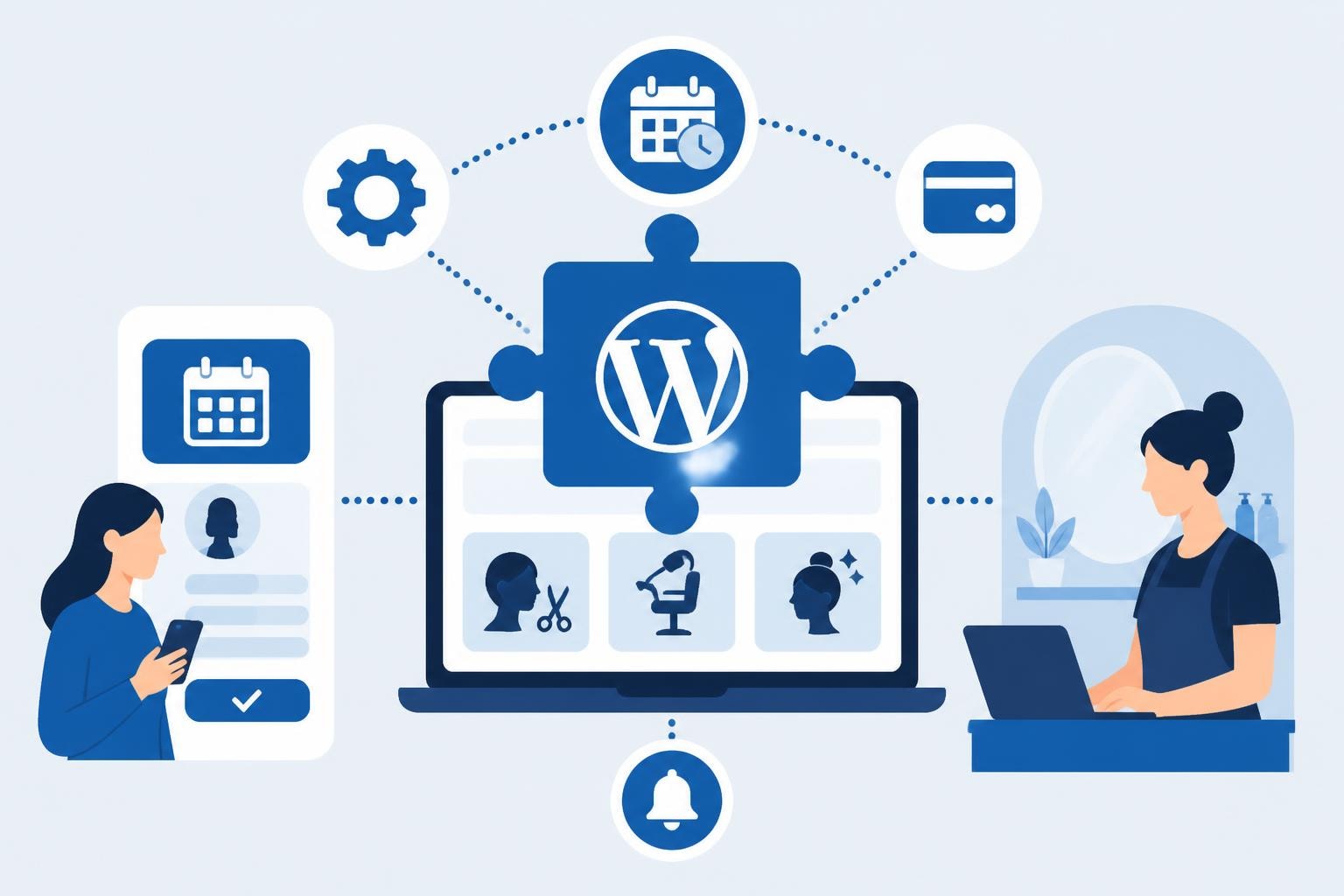
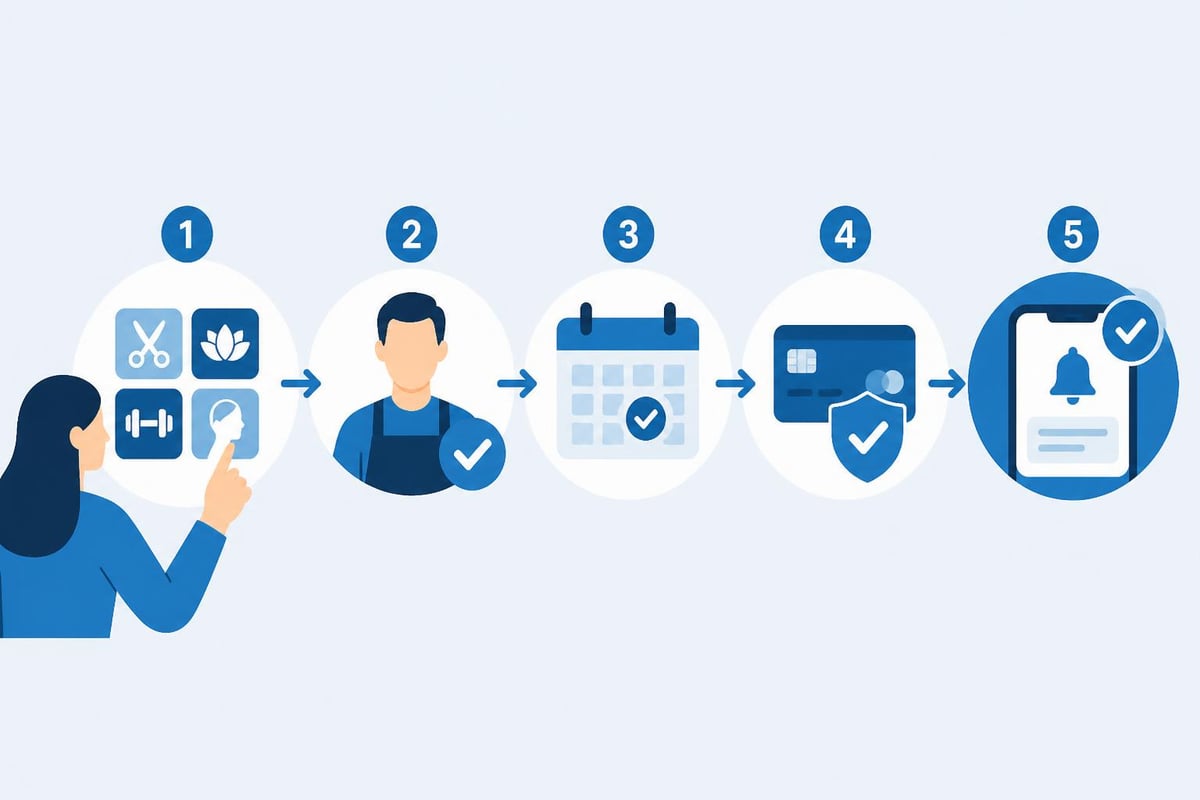
A wordpress service booking plugin serves as the digital foundation for appointment management, integrating directly into your salon's website to handle reservations, payments, and client communications. These plugins eliminate the need for phone calls, text message confirmations, and manual calendar management by automating the entire booking workflow.
The salon industry faces unique scheduling challenges that generic booking systems often fail to address. Multiple service providers, varying appointment durations, complex pricing structures, and add-on services require specialized functionality. A robust booking plugin must accommodate overlapping appointments, manage staff availability, handle deposits, and integrate with payment processors while maintaining an intuitive client-facing interface.
Core Functionality Requirements
Modern booking plugins must deliver several essential capabilities to meet salon operational needs:
- Multi-service support with customizable duration and pricing
- Staff management including individual calendars and skill-based assignment
- Payment processing with deposit collection and refund handling
- Automated notifications via email and SMS for confirmations and reminders
- Calendar synchronization to prevent double-bookings
- Mobile responsiveness for clients booking on smartphones
Research from Square's 2025 Beauty Industry Report indicates that 68% of salon clients prefer booking appointments online outside traditional business hours. This behavioral shift makes 24/7 booking availability not just a convenience but a competitive necessity.
Evaluating Top WordPress Service Booking Plugins
The WordPress plugin ecosystem offers numerous booking solutions, each with distinct advantages for salon operations. Understanding the feature sets, pricing models, and limitations helps identify the best fit for your specific business requirements.
| Plugin Name | Starting Price | Key Strength | Best For |
|---|---|---|---|
| Bookit | Free (Pro from $89/year) | Service-based scheduling | Small salons with multiple services |
| JetAppointment | $24/year | Workflow automation | Tech-savvy salon chains |
| WP Booking System | $59/year | Calendar flexibility | Salons needing custom booking rules |
| Bookster | Free (Pro from $99/year) | Modern interface design | Image-conscious boutique salons |
| Hydra Booking | Free (Pro from $79/year) | Team collaboration | Multi-location salon groups |
Feature-Rich Options for Growing Salons
Bookit provides comprehensive appointment booking functionality with staff management, service categories, and customizable working hours. The plugin allows salon owners to define specific services with individual durations and prices, making it particularly effective for businesses offering diverse treatments from quick cuts to multi-hour color services.
For salons requiring advanced automation, JetAppointment delivers sophisticated provider logic and calendar scheduling capabilities. The plugin's workflow automation reduces administrative overhead by automatically assigning stylists based on availability, service expertise, and client preferences.
The WP Booking System stands out with over 20,000 active installations and highly customizable booking calendars. Its form builder functionality enables salons to collect specific client information during booking, such as hair type, previous color treatments, or allergy information, streamlining the consultation process.
User Experience and Support Considerations
Client-facing design significantly impacts booking conversion rates. Bookster emphasizes clean, modern aesthetics that align with premium salon branding. User reviews consistently highlight its intuitive interface and flexible configuration options, critical factors when 73% of potential clients abandon complicated booking forms according to Baymard Institute research.
Mobile optimization cannot be overlooked. Hydra Booking features mobile-friendly layouts that adapt seamlessly to smartphone screens, addressing the reality that mobile devices account for 61% of salon booking traffic in 2026.
Support quality varies dramatically across plugins. The Fluent Booking reviews demonstrate how responsive support teams enhance user satisfaction, while negative experiences with other platforms show the frustration caused by delayed assistance during critical setup phases.
Implementation Strategy for Salon Booking Systems
Deploying a wordpress service booking plugin requires methodical planning to ensure smooth integration with existing operations and minimal disruption to current bookings.
Pre-Installation Planning Steps
- Audit current booking processes and identify pain points
- Map all services with accurate duration and pricing
- Document staff schedules including regular days off and recurring availability
- Review payment processing requirements and merchant account compatibility
- Establish notification templates for confirmations, reminders, and cancellations
- Define cancellation policies including timeframes and refund procedures
Before selecting a plugin, create a detailed requirements document. Include specifics like whether you need recurring appointment support for monthly color touch-ups, package booking for bridal parties, or waitlist management for popular stylists.
Configuration Best Practices
Setting up service definitions requires precision. For each treatment, specify:
- Exact duration including preparation and cleanup time
- Buffer periods between appointments for sanitation
- Pricing tiers for different stylist experience levels
- Required deposit amounts and refund conditions
- Maximum advance booking window
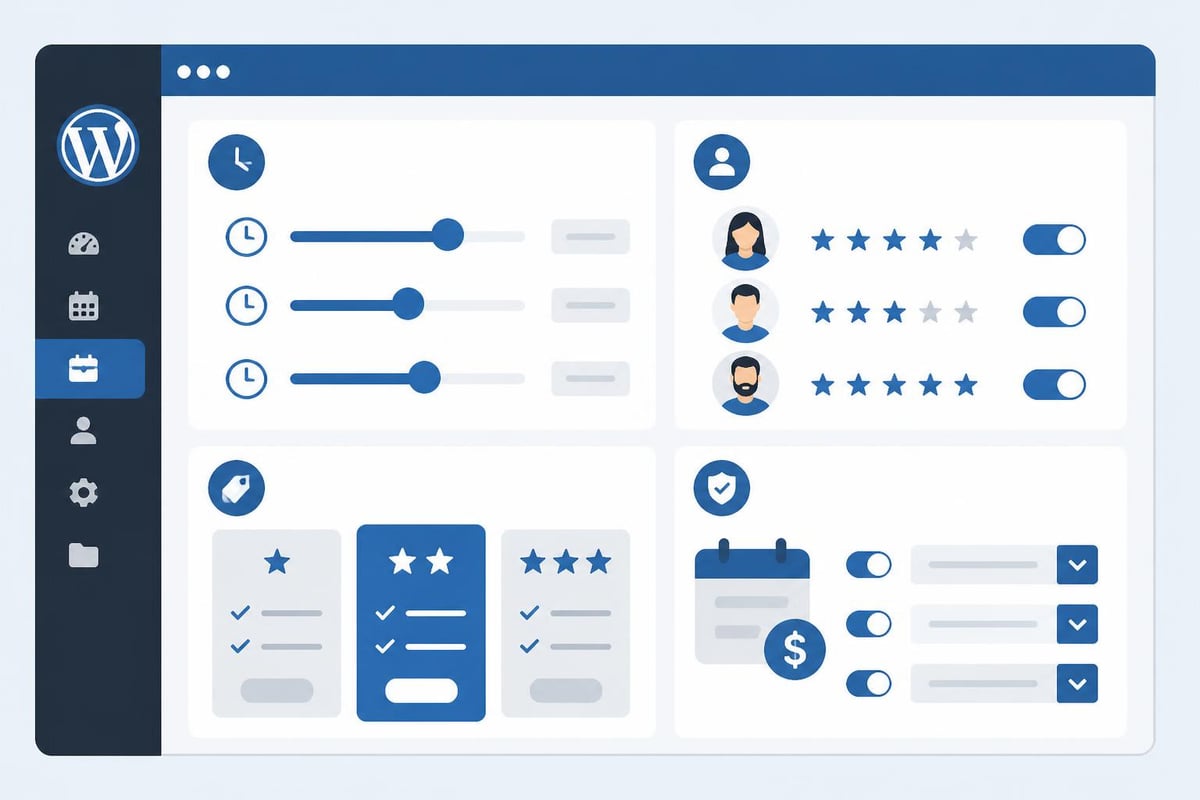
Staff configuration impacts booking efficiency directly. Assign services to specific team members based on expertise, certification requirements, and client demand. A junior stylist shouldn't appear available for complex balayage services, while your master colorist's premium pricing should reflect in the booking interface.
Payment integration deserves careful attention. According to Stripe's 2025 commerce data, salons that collect deposits during booking reduce no-shows by 54%. Configure your wordpress service booking plugin to require 25-50% deposits for appointments exceeding one hour or high-value services.
Advanced Features That Drive Revenue
Beyond basic scheduling, sophisticated booking plugins offer revenue-enhancing capabilities that transform appointment management from administrative necessity to profit center.
Upselling and Cross-Selling Mechanisms
Strategic plugins enable automatic service recommendations during the booking process. When a client books a haircut, the system can suggest add-ons like:
- Deep conditioning treatments
- Scalp massages
- Blow-dry styling
- Eyebrow shaping
Data from salon management systems shows that clients who see relevant add-on suggestions during online booking purchase additional services 31% more frequently than walk-in clients who receive verbal upselling attempts.
Dynamic Pricing and Promotional Tools
Implement time-based pricing adjustments to optimize capacity utilization. Configure your booking system to offer:
- Off-peak discounts for Monday through Wednesday morning appointments
- Early booking incentives for clients scheduling 3+ weeks in advance
- Package pricing for multiple services booked together
- Loyalty rewards for repeat customers reaching appointment milestones
The comprehensive plugin comparison highlights how pricing flexibility varies significantly across platforms, making this a critical evaluation criterion.
Analytics and Business Intelligence
Premium booking plugins provide reporting dashboards that reveal operational insights:
| Metric | Business Value | Action Trigger |
|---|---|---|
| Service popularity | Inventory optimization | Adjust staff training focus |
| Peak booking times | Capacity planning | Consider extended hours |
| Average transaction value | Revenue benchmarking | Refine upselling strategy |
| Cancellation patterns | Policy refinement | Adjust deposit requirements |
| Stylist utilization rates | Resource allocation | Balance appointment distribution |
According to the 2026 plugin evaluation, advanced reporting capabilities separate professional-grade solutions from basic scheduling tools.
Integration Ecosystem and Technical Considerations
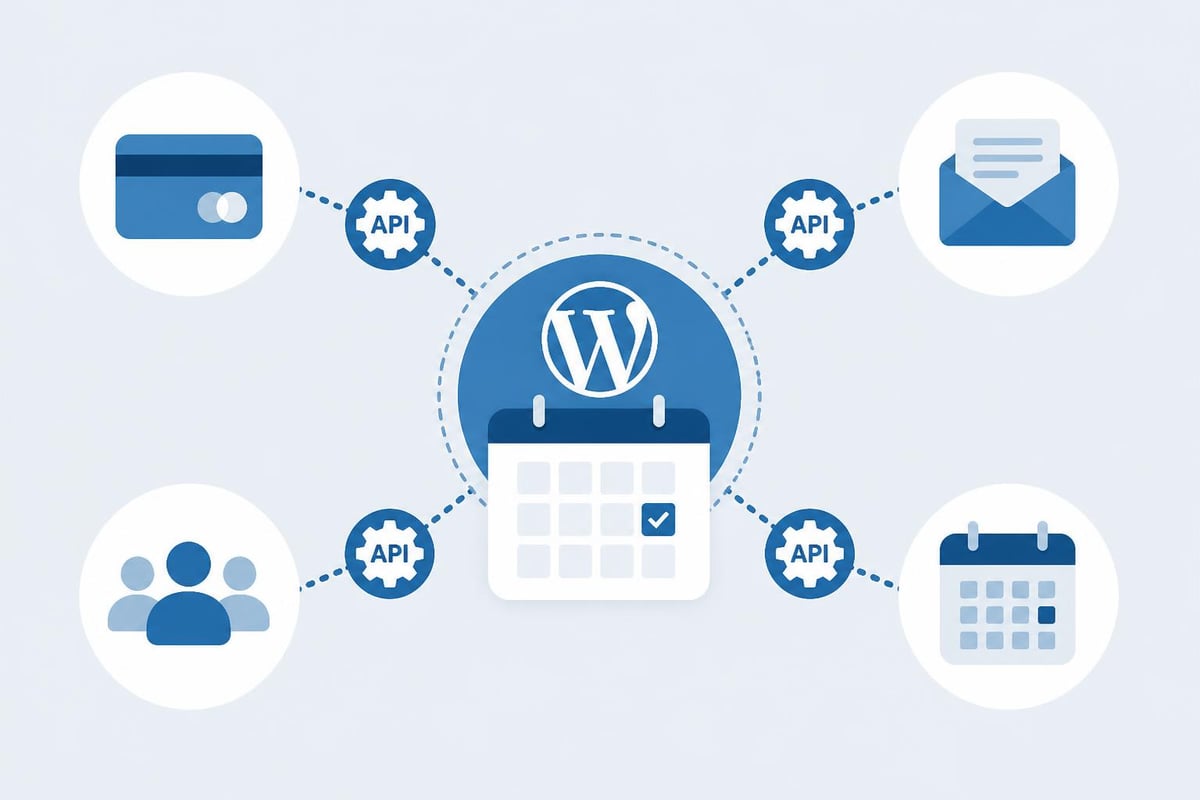
A wordpress service booking plugin functions most effectively when integrated with complementary business systems, creating a unified operational environment.
Payment Gateway Integration
Modern salons require multiple payment options to accommodate client preferences. Your booking plugin should support:
- Stripe for credit card processing with low transaction fees
- PayPal for clients who prefer not to share card details
- Square for unified point-of-sale and online payment management
- Local payment processors specific to your geographic market
Payment integration goes beyond transaction processing. Ensure your plugin can handle split payments for group bookings, gift certificate redemption, and loyalty point application during checkout.
Email Marketing Platform Connections
Connect your booking system to email marketing tools like Mailchimp, Constant Contact, or Klaviyo to automatically segment clients based on booking behavior. Create targeted campaigns for:
- Clients who haven't booked in 60+ days
- First-time visitors who completed their initial appointment
- High-value clients booking premium services
- Seasonal service opportunities (highlights before summer, deep treatments before winter)
Marketing automation triggered by booking activity generates 3.2x higher engagement rates compared to generic promotional emails, according to HubSpot's 2025 marketing statistics.
Customer Relationship Management (CRM) Sync
Sophisticated salons maintain detailed client profiles including service history, product preferences, color formulas, and personal notes. Your wordpress service booking plugin should synchronize appointment data with CRM systems, ensuring stylists access complete client information before each appointment.
Security and Compliance Requirements
Salon booking systems handle sensitive personal and financial information, requiring robust security measures and regulatory compliance.
Data Protection Standards
Implement these security protocols:
- SSL encryption for all booking transactions
- PCI DSS compliance for payment card data handling
- Regular security updates and plugin version maintenance
- Access controls limiting staff permissions based on roles
- Backup procedures protecting against data loss
The European Union's GDPR and California's CCPA impose strict requirements on personal data collection and processing. Even if your salon operates outside these jurisdictions, implementing these privacy standards demonstrates professionalism and builds client trust.
Client Data Management
Your booking plugin must provide mechanisms for:
- Client consent collection for marketing communications
- Data access requests allowing clients to review stored information
- Data deletion capabilities honoring "right to be forgotten" requests
- Data export functionality for client records
- Privacy policy acknowledgment during account creation
According to privacy compliance surveys, 78% of consumers consider data protection practices when choosing service providers, making security features a competitive differentiator beyond regulatory necessity.
Optimizing Client Experience Through Booking Design
The booking interface represents your salon's digital front door. Design choices directly impact conversion rates and client satisfaction.
Reducing Friction in the Booking Process
Every additional form field or navigation step reduces booking completion rates by approximately 7%, according to conversion optimization research. Streamline your booking flow by:
- Minimizing required information to name, contact method, and appointment details
- Enabling guest checkout without mandatory account creation
- Pre-filling returning client data from previous bookings
- Offering single-page booking for simple service requests
- Providing clear progress indicators for multi-step processes
Simply Schedule Appointments features demonstrate how thoughtful UX design accelerates booking completion while maintaining necessary information collection.
Visual Service Presentation
Help clients make informed service selections through:
- High-quality service images showing expected results
- Detailed descriptions explaining techniques and outcomes
- Duration transparency setting realistic time expectations
- Pricing clarity eliminating surprise charges
- Stylist profiles with photos, specialties, and experience levels
Visual presentation reduces pre-appointment consultation time and increases client confidence in their service selection, leading to higher satisfaction scores and improved review ratings.
Mobile Booking Optimization
With mobile devices generating the majority of booking traffic, mobile-specific optimizations include:
- Touch-friendly interface elements sized for finger taps
- Minimal text input through dropdown selections
- Auto-fill support for contact information
- Calendar widgets optimized for small screens
- One-tap phone number and email entry
Testing your booking flow on various mobile devices ensures consistent functionality across the iOS and Android ecosystems that your clients use.
Staff Management and Scheduling Efficiency
A wordpress service booking plugin should simplify staff coordination while providing flexibility for complex scheduling scenarios.
Multi-Provider Scheduling Logic
Configure your system to handle:
- Skill-based assignment matching services to qualified stylists
- Experience-level pricing with senior stylists commanding premium rates
- Preferred stylist requests allowing client loyalty to specific team members
- Automatic backup assignment when preferred stylists are unavailable
- Load balancing distributing appointments evenly across team members
Time-Off and Availability Management
Staff members need intuitive controls for managing their availability:
- Request time off through the system interface
- Block recurring unavailable periods (daycare pickup, classes)
- Set custom working hours differing from salon defaults
- Mark specific services they prefer to avoid
- Indicate maximum daily appointment limits to prevent burnout
Comprehensive salon management studies show that stylists with control over their scheduling experience 28% lower job stress and 19% longer employment tenure.
Commission and Performance Tracking
Integrate compensation tracking within your booking system:
| Performance Metric | Calculation Method | Business Application |
|---|---|---|
| Services completed | Count by provider | Base productivity measurement |
| Revenue generated | Sum of service prices | Commission calculation basis |
| Client retention | Repeat booking percentage | Quality indicator |
| Add-on attachment | Additional services sold | Upselling effectiveness |
| Average ticket value | Total revenue / appointments | Premium service adoption |
Transparent performance data motivates staff improvement while providing objective criteria for raises and promotions.
Migration Strategy from Manual or Legacy Systems
Transitioning from paper schedules, generic calendar tools, or outdated booking software requires careful planning to maintain business continuity.
Data Migration Planning
Extract existing information systematically:
- Export client contact lists with appointment history
- Document recurring appointment patterns for regular clients
- Capture service pricing and duration specifications
- Record staff schedules and availability preferences
- Preserve special notes about client preferences or requirements
Most modern plugins provide import tools accepting CSV files, enabling bulk data transfer rather than manual re-entry.
Parallel System Operation
Run your new wordpress service booking plugin alongside existing systems during a transition period:
- Week 1-2: Staff training on new system with test bookings
- Week 3-4: Accept new online bookings while maintaining old methods
- Week 5-6: Encourage online booking with incentives (small discounts)
- Week 7+: Phase out old system, making online booking primary method
This graduated approach prevents appointment losses during the learning curve while building staff confidence with new tools.
Client Communication and Training
Notify your client base about new booking capabilities:
- Email announcement explaining benefits and booking URL
- Social media posts demonstrating booking process
- In-salon signage with QR codes linking to booking page
- Staff verbal encouragement during checkout
- Follow-up reminders to no-show clients about convenient online booking
Research indicates that client adoption of online booking accelerates when businesses actively promote the capability rather than passively making it available.
Cost-Benefit Analysis for Plugin Investment
Evaluating wordpress service booking plugin options requires comparing not just subscription fees but total cost of ownership against operational benefits.
Direct Cost Components
- Plugin license fees (monthly or annual)
- Payment processing transaction fees (typically 2.9% + $0.30)
- SMS notification charges (varies by provider and volume)
- Premium add-ons for specialized functionality
- Developer costs for custom integrations
- Training time for staff adoption
Quantifiable Benefits
Calculate return on investment through measurable improvements:
Reduced no-shows: If you average 6 no-shows weekly costing $50 each in lost revenue, and automated reminders reduce these by 50%, annual savings reach $7,800.
Administrative time savings: Eliminating 10 hours weekly of phone scheduling at $15/hour staff cost saves $7,800 annually.
Extended booking hours: 24/7 online availability capturing just 3 additional appointments weekly at $75 average value generates $11,700 in incremental annual revenue.
Improved capacity utilization: Reducing scheduling gaps from 15% to 8% through optimized booking increases effective capacity by 7%, potentially worth $15,000+ annually for a busy salon.
Intangible Value Creation
Beyond direct financial metrics, consider:
- Enhanced professional image through modern booking technology
- Improved client satisfaction with convenient scheduling
- Reduced staff stress from appointment management
- Better work-life balance through automated systems
- Competitive positioning against salons lacking online booking
Selecting and implementing the right wordpress service booking plugin transforms salon operations from reactive scheduling chaos to proactive capacity optimization. The features, integrations, and user experience elements discussed above provide a framework for evaluating solutions that align with your specific business requirements and growth trajectory. Salon Booking System delivers these essential capabilities through a comprehensive platform specifically designed for salon professionals, combining intuitive online booking, automated client notifications, flexible payment processing, and advanced scheduling rules that have served thousands of satisfied clients since 2016.