Digital booking is transforming how salons, spas, and wellness businesses operate, and Google is set to reshape appointment scheduling with its ambitious 2026 expansion. The google booking app promises to streamline scheduling, reduce costly no-shows, and elevate the client experience for service-based professionals.
This complete guide will walk salon owners and managers through every aspect of the google booking app—demystifying its features, setup process, best practices, and how it compares to top alternatives. You’ll find a detailed overview, step-by-step setup instructions, advanced functionalities, integration strategies, expert tips, and a comparison table to help you select the best solution for your business needs.
Understanding the Google Booking App for 2026
The google booking app is transforming how salons and service businesses schedule appointments. Understanding its evolution, core capabilities, and real-world impact is essential for professionals looking to streamline operations and enhance client satisfaction.
Evolution of Google’s Booking Platform
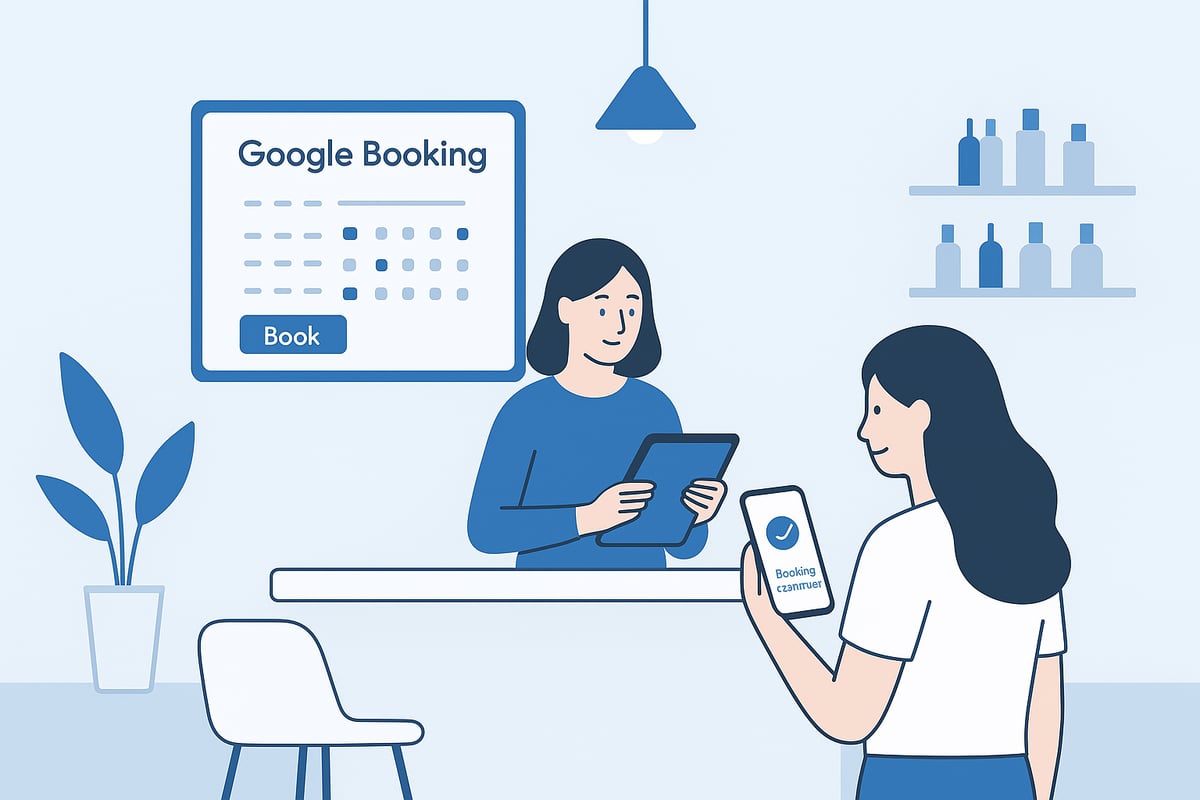
Google’s journey into appointment scheduling began with simple appointment slots in Google Calendar. Over the years, integration with Google Workspace and the launch of dedicated booking features set the stage for the standalone google booking app. Key milestones include improved synchronization across devices and direct integration with Maps for client convenience.
Adoption has surged, especially in the beauty and wellness sectors. Recent reports highlight a shift, with over 1 million installs for leading booking add-ons and a notable rise in digital bookings among salons. For detailed industry insights and adoption statistics, see Beauty industry booking trends. Many salons have now moved from paper diaries to automated systems, reducing manual errors and freeing up staff time.
Core Features and Capabilities
The google booking app offers real-time availability, dynamic scheduling, and automated notifications for clients and staff. Its mobile-first design ensures seamless booking experiences on any device. Privacy controls protect client information, and integration with Google Calendar and Maps adds extra convenience.
Multi-location and timezone support make it suitable for global businesses. For example, a spa can use the platform to coordinate multiple therapists and rooms efficiently, eliminating double-bookings and last-minute confusion.
Supported Business Types and Use Cases
The google booking app serves salons, spas, barbershops, wellness centers, and consultants. It supports group bookings, recurring appointments, and one-on-one services. Educational and medical settings also benefit from its flexible scheduling options.
Industry-specific needs, such as custom intake forms and integrated payment options, are addressed. Businesses can collect essential client information at the time of booking, improving personalization and compliance.
Advantages Over Manual Scheduling
Switching to the google booking app reduces back-and-forth communication and administrative workload. Automated reminders significantly lower no-show rates, with industry averages showing a 29% reduction (GetApp). Clients enjoy a smoother experience, while staff benefit from fewer scheduling conflicts.
Professionalism and customer satisfaction increase as the booking process becomes transparent and accessible. Time savings allow managers and staff to focus on delivering quality services rather than managing calendars.
Limitations and Known Challenges
Despite its strengths, the google booking app has some limitations. Customization is more restricted compared to dedicated salon software, and integration with certain payment processors or CRM systems may be limited.
Staff unfamiliar with Google Workspace can face a learning curve during initial setup. Privacy and permissions require careful management, especially when handling sensitive client data. Multi-location salons sometimes experience challenges in allocating resources or managing staff across branches, highlighting the need for clear internal processes and ongoing training.
Step-by-Step Setup Guide for Google Booking App
Setting up the google booking app for your salon or spa can transform your daily operations. With the right approach, you can streamline appointment management, reduce manual errors, and create a seamless experience for both staff and clients. Follow this practical guide to ensure your scheduling system is robust, compliant, and ready for 2026.
Preparing Your Google Workspace and Calendar
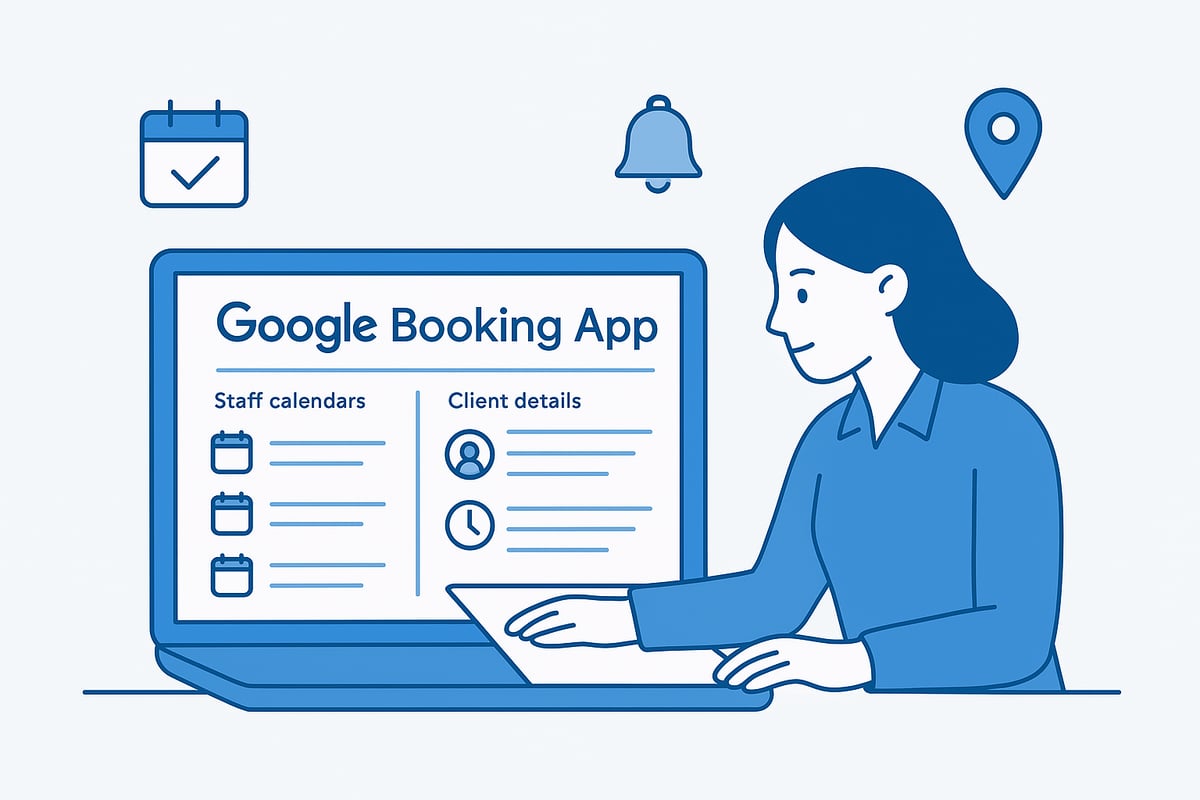
Begin by ensuring your business has access to Google Workspace or a compatible Google Account. This forms the backbone of the google booking app setup. Next, verify your business details on Google My Business and Google Maps, which ensures clients can find and book your services online.
Set up separate calendars for each staff member. Define working hours, service availability, and blackout periods. Here’s a quick checklist for salon managers:
- Confirm Google Workspace access for all staff
- Verify business information is accurate on Google Maps
- Create individual staff calendars
- Set business opening hours and holidays
A well-organized calendar foundation prevents scheduling conflicts and supports smooth integration with the google booking app.
Creating Your Booking Page
Access the google booking app either directly or through Google Calendar. Begin customizing your public booking page by adding your logo, salon branding, and service categories. Assign team members to specific services for accurate scheduling.
Define appointment types, set durations, and include buffer times between bookings. Configure booking rules, such as minimum advance notice and cancellation policies. For a deeper understanding of how to manage appointment slots, see this guide on real-time and fixed time slots.
These steps help you create a user-friendly booking experience that reflects your brand and operational needs.
Syncing with Google Calendar and Maps
Enable real-time synchronization between the google booking app and your team’s calendars. This ensures that staff availability is always current, reducing the risk of double-booking.
Display your location clearly for clients using Google Maps integration. Clients can easily find directions, which is especially valuable for businesses with multiple branches. If you manage several locations or mobile service providers, confirm each address is correctly listed and mapped.
Efficient syncing leads to improved accuracy and a smoother client journey.
Collecting Client Information and Preferences
Customize intake forms within the google booking app to gather essential client details. You can request information such as service preferences, allergies, or health notes at the time of booking.
Enable consent checkboxes to comply with privacy regulations like GDPR or CCPA. For example, a beauty salon might ask about skin sensitivities before confirming an appointment. This proactive approach not only protects your business but also personalizes the client experience.
Clear, compliant data collection is key for trusted and effective online booking.
Managing Notifications and Reminders
Set up automated notifications to remind clients and staff about upcoming appointments. The google booking app allows you to customize reminder timing, such as 24 hours or 1 hour before a scheduled service.
Choose the preferred channels—email, SMS, or push notifications on mobile devices. Well-timed reminders significantly reduce no-shows and keep your team organized.
Automation here saves valuable time and enhances reliability for your business.
Troubleshooting Common Setup Issues
Occasionally, you may encounter challenges when configuring the google booking app. Common issues include calendar permission errors or synchronization failures between staff accounts.
To address double-bookings or overlapping appointments, review your calendar sharing settings and booking rules. For further assistance, access resources like the Google Help Center, user forums, or live chat support.
A proactive troubleshooting process ensures your booking system remains dependable and user-friendly.
Key Features and Advanced Functionalities
The google booking app is designed to empower salons and spas with a modern, automated approach to appointment management. Its suite of advanced features streamlines daily operations, reduces administrative workload, and enhances the overall client experience.

Real-Time Availability and Smart Scheduling
With the google booking app, salons can display live appointment slots, preventing double-bookings and optimizing staff utilization. Dynamic scheduling tools allow managers to assign appointments based on real-time staff and room availability.
For example, a busy spa can coordinate multiple massage rooms and therapists, ensuring resources are never overbooked. The system updates instantly when a booking is made, giving both clients and staff an accurate view of open times.
Automated Reminders, Notifications, and Follow-Ups
Automated notifications are a cornerstone of the google booking app. Salons can configure reminders for clients and staff via email, SMS, or push notification, greatly reducing no-show rates. Industry research shows automated reminders can decrease no-shows by up to 30 percent, with Digital Transformation in the Salon Industry Statistics reporting even higher gains for digital-first businesses.
Post-appointment follow-ups are also customizable, allowing for review requests or rebooking prompts, which help nurture client relationships and encourage return visits.
Multi-Location and Team Management
The google booking app excels in managing complex salon structures, from single locations to large franchises. A centralized dashboard gives owners visibility into all branches, while role-based permissions ensure staff only access relevant schedules.
Managers can assign team members to specific services or locations, simplifying resource allocation. This structure is ideal for salons with floating staff or specialists who work across different sites.
Payment Integration and Online Transactions
Payment collection is secure and seamless within the google booking app. The platform supports major gateways such as Stripe, PayPal, and Google Pay, enabling clients to pay deposits or full amounts at the time of booking.
Salons can set rules for deposits on premium services or group bookings. The system manages refunds and transactions, freeing staff from manual invoicing or cash handling.
Analytics, Reporting, and Insights
Robust analytics help owners make data-driven decisions. The google booking app tracks booking trends, peak hours, and staff performance. Managers can export reports for payroll, marketing, or inventory planning.
| Metric | Example Insight |
|---|---|
| Peak Hours | Saturdays, 10am–2pm |
| Top Staff | Stylist A: 50 bookings/mo |
| New Clients | 20 percent month-over-month increase |
These insights support better staffing, targeted promotions, and service optimization.
Customization and Branding Options
Branding is fully supported within the google booking app. Salons can add logos, adjust colors, and tailor service descriptions to match their identity.
- Custom URLs for booking pages
- Embedded forms for salon websites
- Branded confirmation emails and reminders
Personalized client communication reinforces professionalism and helps salons stand out in a competitive market.
Integrating Google Booking App with Other Tools
Seamless integration is a key advantage of the google booking app for salons and spas aiming to digitize their operations. Connecting your booking system with productivity, payment, and marketing tools ensures efficient workflows and a superior client experience.
Connecting with Google Workspace and Third-Party Apps
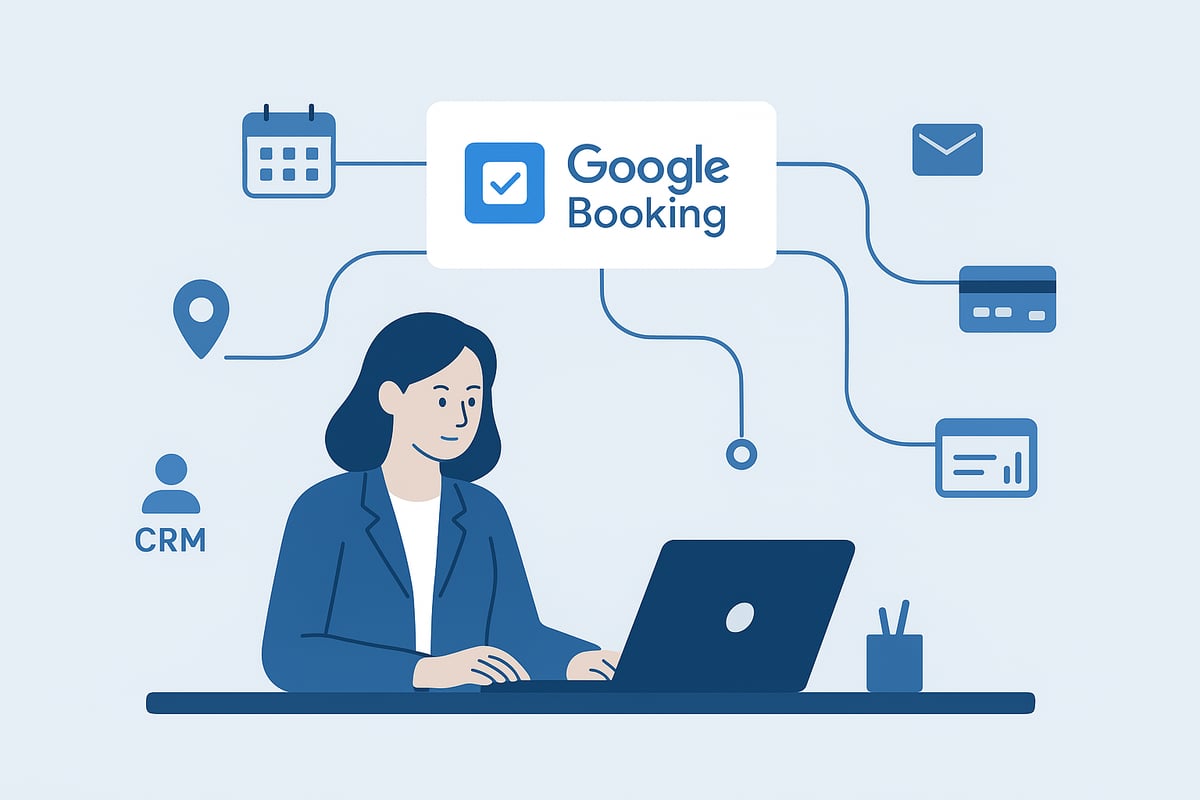
The google booking app integrates directly with Google Workspace products such as Gmail, Calendar, and Contacts. This enables automatic syncing of appointments, client details, and meeting links. For salons offering virtual consultations, Google Meet links can be added to bookings. Many salons also benefit from Google Reserve Partner for Salons, which streamlines client scheduling through search and Maps.
Embedding Booking Functionality on Your Website
Adding the google booking app to your website can significantly increase appointment rates. Most platforms, including WordPress, Wix, and Squarespace, support booking widgets or iFrame embeds. Place the booking form on high-traffic pages, such as your homepage or service menu, to maximize conversions. For example, a barbershop saw a 15% rise in bookings after integrating the app widget.
Managing Payments, Invoicing, and Accounting
The google booking app supports integration with leading payment gateways like Stripe, PayPal, and Google Pay. This allows clients to pay deposits or full amounts at the time of booking. Payment data can be exported to accounting software such as QuickBooks or Xero, reducing manual work. Automated receipts and invoices help maintain professionalism and improve cash flow management.
Data Privacy, Security, and Compliance
Google prioritizes security, offering features like two-factor authentication, encrypted data storage, and regular audits. The google booking app complies with GDPR and other privacy regulations, letting you set granular staff permissions and access levels. For salons handling sensitive health data, features like HIPAA compliance and consent checkboxes help maintain trust and meet legal obligations.
Integrating with Marketing and CRM Systems
Syncing booking data with marketing tools like Mailchimp or HubSpot enables targeted campaigns, automated review requests, and personalized offers. The google booking app also supports exporting client lists for loyalty programs. By analyzing client preferences and visit history, salons can improve retention and upsell services, using CRM integration to automate follow-ups and reminders.
Limitations and Workarounds for Integration
While the google booking app covers many core integrations, some advanced workflows may require tools like Zapier or custom scripts. Certain POS or inventory systems might not connect natively. Salon managers often rely on community forums for best practices and creative solutions. Documenting integration steps and maintaining backups ensures smooth operation as your tech stack evolves.
Advanced Tips, Best Practices, and Future Trends
Optimizing Booking Flow for Higher Conversion
Improving your booking flow can significantly boost client conversions. With the google booking app, focus on reducing steps from landing on your booking page to confirming an appointment.
Streamline your intake forms, limit required fields, and ensure the process is mobile-optimized. Personalization features, such as pre-filled forms for returning clients, create a smoother experience.
A salon simplified its booking journey and saw a 20 percent increase in completed appointments. Always test your user journey on different devices to identify friction points early.
Reducing No-Shows and Maximizing Client Retention
No-shows are a persistent challenge for service businesses. Industry benchmarks show automated reminders via email or SMS can cut no-show rates by up to 29 percent. According to the 2025 Beauty and Wellness Benchmark Report, salons using digital reminders also report higher client retention.
Implement clear reminder timings, such as 24 hours and 1 hour before appointments, to keep clients engaged. Consider offering loyalty programs or incentives for repeat bookings to encourage long-term relationships.
Leveraging Analytics for Business Growth
The google booking app provides valuable analytics, enabling data-driven decisions. Use booking reports to identify top-performing services, peak booking hours, and staff productivity.
For example, a salon noticed higher bookings for specific treatments during lunch hours, prompting targeted promotions. Adjust staffing and marketing based on these insights.
Integrate analytics with sales and inventory data to uncover trends and areas for growth. Regularly review these metrics to maintain a competitive edge.
| Metric | Actionable Insight |
|---|---|
| Top Booked Service | Promote or bundle for upselling |
| Peak Times | Adjust staff schedules |
| Repeat Clients | Launch loyalty incentives |
Preparing for New Features in 2026 and Beyond
Staying ahead in the digital space requires anticipating new capabilities. The google booking app is expected to introduce AI-powered scheduling, voice assistant integration, and deeper reporting tools.
Keep up with updates by joining beta programs and following industry news. As highlighted in the Top 5 Beauty and Wellness Industry Trends for 2025, digital touchpoints and automation will become even more central to client experiences.
Early adopters often gain a competitive advantage, so prepare your team for upcoming changes and experiment with new features as they launch.
Training Staff and Ensuring Adoption
Successful use of the google booking app depends on well-trained staff. Provide onboarding guides, video tutorials, and hands-on training sessions.
Set up internal documentation and create a support channel for ongoing questions. A spa that invested in comprehensive training reduced booking errors and improved client feedback.
Encourage staff to share their experiences, helping refine best practices and ensuring everyone is confident using the system.
Common Pitfalls and How to Avoid Them
Avoid common mistakes by regularly reviewing permissions and privacy settings. Update service availability and staff assignments promptly to prevent double-bookings.
Do not rely solely on default settings—customize notifications, intake forms, and booking limits to fit your business needs. Regular audits of your setup will minimize disruptions and keep your operations running smoothly.
Comparing Google Booking App to Other Leading Solutions
Salon owners evaluating appointment systems often weigh the google booking app against specialized salon software. Understanding differences in customization, integrations, and industry-specific features is crucial. For an in-depth look at how leading solutions stack up, see this Booking system feature comparison.
Google Booking App vs. Dedicated Salon Booking Software
A direct comparison between the google booking app and dedicated salon platforms reveals clear distinctions. Salon booking systems often offer resource-based scheduling, loyalty programs, and advanced reporting, while Google’s solution prioritizes ease of use and ecosystem integration. According to industry reports, dedicated systems lead in user satisfaction, especially among large or multi-location salons.
| Feature | Google Booking App | Dedicated Salon Software |
|---|---|---|
| Customization | Basic | Advanced |
| Payment Integrations | Limited | Extensive |
| Loyalty Programs | No | Yes |
| Analytics & Reporting | Basic | Advanced |
Strengths and Weaknesses in Real-World Scenarios
Small salons benefit from the google booking app’s cost efficiency and seamless integration with Google Workspace. It simplifies appointment management and reduces manual tasks. However, case studies show that businesses with complex resource needs may find limitations in customization. Dedicated software excels in handling memberships, inventory, and detailed service menus.
When to Choose Google Booking App
The google booking app is ideal for startups, solo practitioners, or any business invested in the Google ecosystem. Freelance beauticians, independent stylists, or single-location salons can streamline bookings without significant setup. The low barrier to entry and familiar interface mean minimal training is required, making it a practical choice for those with straightforward scheduling needs.
When to Consider Alternatives
If your business requires advanced features such as memberships, package deals, or in-depth marketing automation, a dedicated salon booking system may be preferable. Multi-location salons, spas needing centralized management, or businesses seeking robust POS and inventory integration should consider specialized solutions. Evaluate your growth plans and technical requirements before choosing.
Key Competitors and Market Landscape
Beyond the google booking app, notable competitors include Koalendar, Pembee, Calendly, and Acuity. Each brings unique advantages, like advanced payment processing, group bookings, or automated workflows. Reviews on the Google Workspace Marketplace highlight Acuity’s group scheduling and Calendly’s integration capabilities. For more practical examples, explore these examples of booking systems.
Migration Tips and Data Portability
Transitioning from the google booking app to another platform requires careful planning. Export all client and booking data before migration. Verify that your new system supports data import and test for accuracy. Use a checklist to minimize disruption, notify clients of changes, and ensure team members are trained on the new platform. Prioritize client continuity throughout the process.
After exploring how the Google Booking App can simplify scheduling, reduce no shows, and improve your client experience, you might be considering how to put these insights into action for your salon or small business. The right system can make a real difference, letting you spend less time on admin and more time growing your business. If you’re ready to see how a user friendly appointment solution works in practice, you can easily try it for yourself—with no risk or commitment. Take the first step toward streamlined, stress free booking and Start for free.