In 2026, salon and beauty businesses face increasing pressure to deliver seamless, affordable appointment scheduling. The free google calendar booking system offers a practical solution, helping owners streamline daily operations, cut down on costly no-shows, and keep clients satisfied. With straightforward setup, integration options, and no monthly fees, it lets you save money without sacrificing efficiency. This guide will walk you through setting up, optimizing, and advancing your booking process, ensuring your salon thrives in a competitive market.
Understanding Google Calendar Booking System: Features and Benefits
In 2026, the free google calendar booking system stands out as a reliable choice for salons aiming to simplify appointment scheduling. Google Calendar’s built-in booking features let business owners set up appointment pages, manage time slots, and accept bookings directly from clients. Unlike third-party add-ons, Google’s native system is fully integrated across devices, ensuring seamless access on desktop, tablet, and mobile. For a detailed overview of these capabilities, you can explore Google Calendar’s Appointment Scheduling Features. This integration means salons can stay connected with clients anywhere, anytime.
What is Google Calendar Booking System?
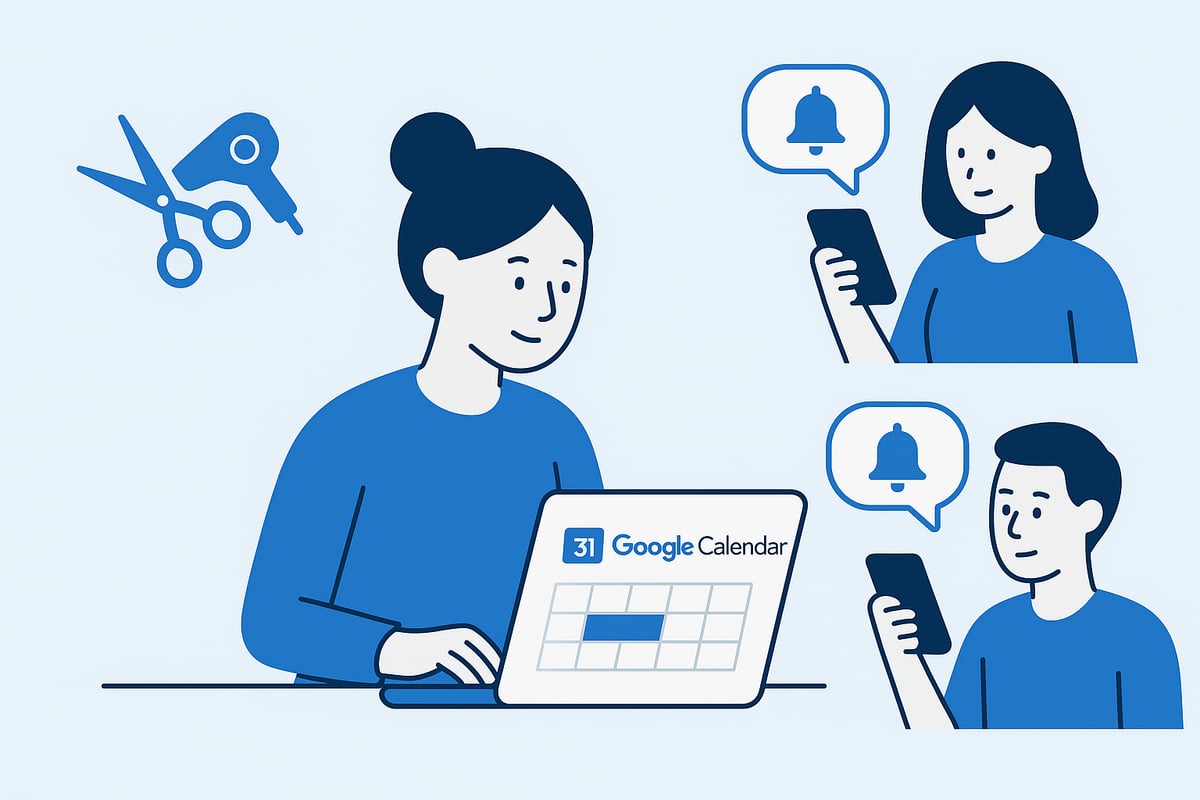
The free google calendar booking system brings appointment scheduling into the Google Workspace ecosystem. Users can activate appointment scheduling, set custom availability, and allow clients to book online without leaving their browser. Unlike third-party tools, Google’s solution is already available with a standard Google account, requiring no extra downloads or fees. This convenience is especially valuable for small businesses wanting a straightforward, no-cost way to manage bookings. Accessibility is another strength, as the booking system works seamlessly across Android, iOS, and web platforms.
Key Benefits for Salons and Small Businesses
The free google calendar booking system offers significant advantages for salon owners. First, it eliminates monthly subscription costs—your business can start scheduling appointments at no additional expense. Real-time calendar syncing helps prevent double bookings, a common issue for busy salons. Integration with Google Meet allows for easy virtual consultations, while automated reminders keep clients and staff informed. Google’s strong data privacy standards also ensure that client information remains protected, adding peace of mind for both business owners and customers.
Limitations and Considerations
While the free google calendar booking system is robust, there are some important limitations to consider. Compared to paid salon scheduling platforms, Google Calendar offers fewer customization and branding options, which may impact the client experience. For growing businesses with multiple locations or complex service menus, scalability can become a challenge. Additionally, features like integrated payment processing, loyalty programs, or advanced marketing tools are not included. Weighing these factors helps salon owners determine if Google Calendar meets their current needs or if a dedicated solution is required.
Real-World Examples
Many salons and spas have adopted the free google calendar booking system to streamline their operations. Industry data from Statista (2025) shows that over 1.5 billion users rely on Google Calendar worldwide, underscoring its widespread adoption. Case studies reveal that salon owners cite ease of use and reliability as the top reasons for choosing Google’s platform. Clients appreciate the straightforward booking process and timely reminders, resulting in fewer no-shows and higher satisfaction. These real-world experiences highlight the practical benefits of integrating Google Calendar into everyday salon management.
Step-by-Step Guide: Setting Up a Free Google Calendar Booking System for Your Salon
Setting up a free google calendar booking system can transform how your salon manages appointments, reduces no-shows, and improves efficiency. Follow these practical steps to ensure a smooth setup and optimal use, tailored for the unique needs of salon professionals in 2026.
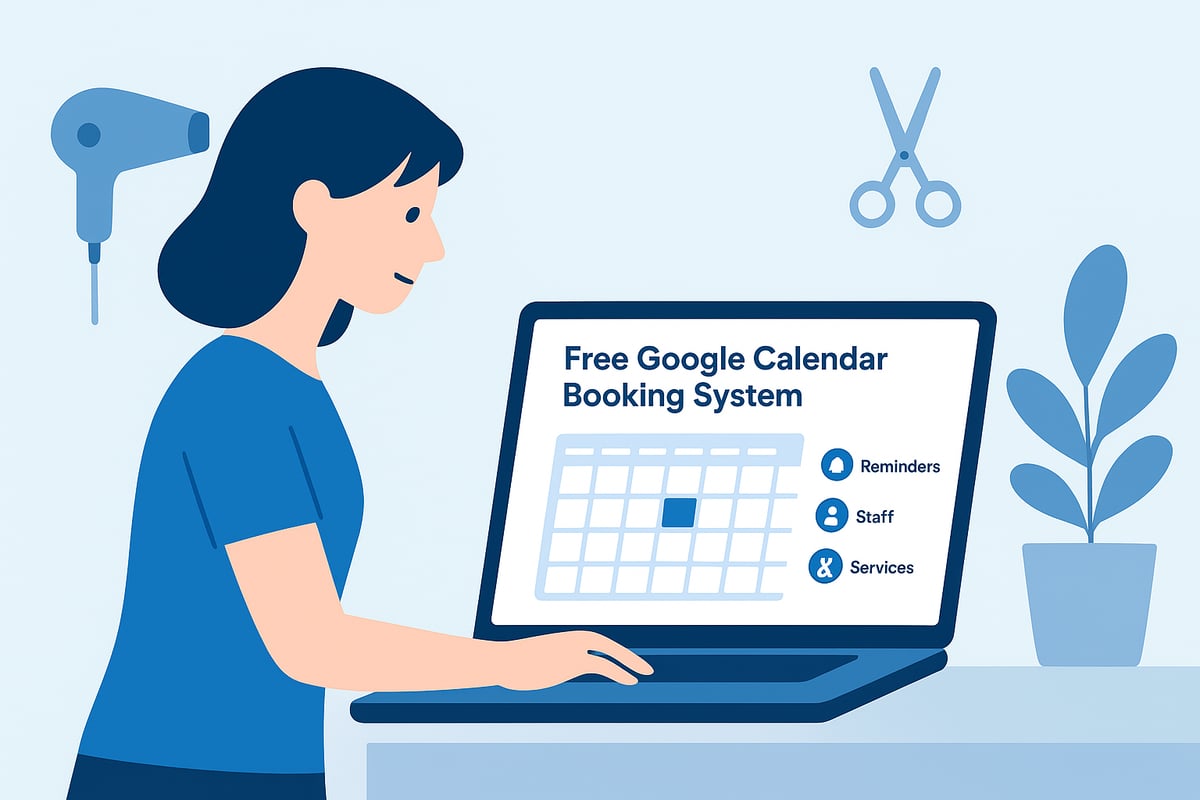
Step 1: Create a Dedicated Google Account and Calendar
Start by creating a separate Google account exclusively for your salon business. This ensures clear boundaries between personal and professional schedules, reducing confusion.
Once your account is set up, create a new calendar labeled with your salon’s name. This calendar will serve as the foundation for your free google calendar booking system, keeping all appointments organized in one place.
- Go to Google Calendar and select “Add Calendar.”
- Name it after your salon for easy identification.
- Share access with staff as needed.
A dedicated calendar keeps your business streamlined and ready for efficient scheduling.
Step 2: Enable Appointment Scheduling Feature (2026 Updates)
With your calendar ready, enable the appointment scheduling feature. In 2026, Google has transitioned from “appointment slots” to a more robust booking page system, offering better customization and client convenience. For detailed updates on these new features, refer to the Transition from Appointment Slots to Schedules official guide.
Set your working hours, buffer times between appointments, and specify service durations. This step is crucial for maximizing the value of your free google calendar booking system and ensuring you avoid double-bookings.
Step 3: Share Your Booking Calendar with Clients
Now, make your booking system accessible to clients. Generate a unique booking link from Google Calendar’s interface. This link can be embedded on your salon’s website, added to your Google Business Profile, or shared via social media and email campaigns.
Clear instructions and prominent placement of your booking link will help clients self-schedule with ease. A streamlined sharing process is vital for leveraging the benefits of your free google calendar booking system and boosting client engagement.
Step 4: Automate Confirmations and Reminders
Automation is key to reducing no-shows and keeping clients informed. Set up automated confirmation emails that trigger instantly when a booking is made. Google Calendar also supports automated reminders, which can be sent via email or SMS at customizable intervals before an appointment.
- Enable notifications for both clients and staff.
- Integrate with Google Workspace to enhance communication.
- Consider using color-coding for different services.
These automated touches help build client trust and minimize missed appointments.
Step 5: Manage Staff, Services, and Multiple Locations
As your salon grows, managing multiple team members and service offerings becomes essential. Google Calendar allows you to create individual calendars for each staff member, making it easy to coordinate shifts and appointment slots.
List all services with clear descriptions and durations. If you operate in more than one location, use separate calendars or color codes for each. This approach optimizes your free google calendar booking system’s scalability and supports seamless operations across teams and branches.
Step 6: Monitor Bookings and Optimize Workflow
Regularly review your booking trends and workflow. Use Google Calendar’s color-coding and labeling features to track popular services and peak hours. Export calendar data to Google Sheets for deeper analysis and performance tracking.
Monitor client preferences, identify bottlenecks, and make informed adjustments to your scheduling strategy. This proactive approach ensures your booking process remains efficient, professional, and responsive to client needs.
Advanced Tips: Integrations and Automation for Maximum Efficiency
Maximizing the power of your free google calendar booking system requires more than just basic setup. By integrating with other tools and automating key workflows, you can boost efficiency, improve client experience, and gain valuable insights for your salon or spa.
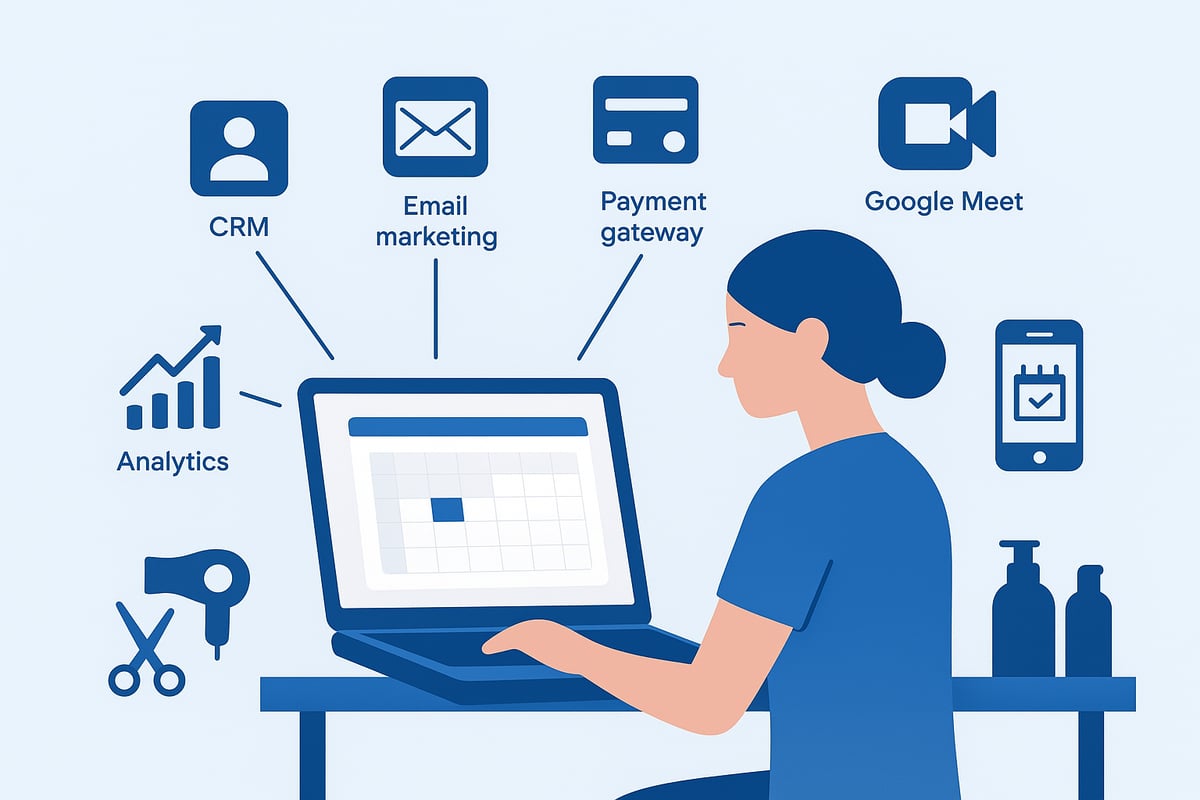
Connecting Google Calendar to Other Tools
Integrating your free google calendar booking system with popular business tools can automate tasks and keep your workflow seamless. Use platforms like Zapier or IFTTT to connect Google Calendar with your CRM, email marketing solutions, and payment gateways.
For example, automatically add new bookings to your client database or trigger follow-up emails after appointments. These integrations reduce manual work and help you deliver a consistent client experience. Automating reminders and confirmations also minimizes the risk of missed appointments.
Embedding Booking Widgets on Your Salon Website
To capture more online bookings, embed your free google calendar booking system directly onto your website. Platforms like WordPress make this process simple, especially when you use a WordPress appointment booking plugin free that integrates with Google Calendar.
Ensure your booking page is mobile responsive and accessible. Test the widget on different devices to guarantee a smooth experience for every client. A seamless booking process leads to higher conversion rates and fewer abandoned appointments.
Leveraging Google Meet and Virtual Consultations
The free google calendar booking system supports integration with Google Meet, making it easy to offer virtual consultations. When clients book specific services, you can automatically generate a secure video link for remote sessions.
This feature is ideal for salons providing online hair consultations or skincare assessments. It expands your reach beyond your local area and offers flexibility for both staff and clients. Virtual appointments also add value for busy or long-distance customers.
Data Analytics and Performance Tracking
Unlock deeper insights from your free google calendar booking system by exporting booking data to Google Sheets or Google Data Studio. Analyzing trends such as peak booking times, popular services, and client retention rates helps you make informed business decisions.
Create custom dashboards to monitor KPIs. Track staff performance, identify slow periods, and adjust your marketing strategies accordingly. Data-driven management supports long-term growth and operational efficiency for your salon.
Security and Privacy Best Practices
Protecting client data is crucial when using a free google calendar booking system. Always manage calendar sharing permissions carefully and restrict access to authorized staff only.
Google’s platform complies with strict privacy standards, but it is your responsibility to follow GDPR and other regulations. Regularly review your data policies, train your team on best practices, and update security settings as needed to keep client information safe.
Comparing Free Google Calendar Booking vs. Dedicated Salon Scheduling Software
Choosing the right booking solution can shape your salon’s efficiency and growth. As you weigh the free google calendar booking system against dedicated salon scheduling software, it is important to understand both their strengths and limitations.
Feature-by-Feature Comparison
The free google calendar booking system delivers core scheduling functions, while salon-specific platforms offer broader capabilities. Here’s a quick comparison:
| Feature | Google Calendar (Free) | Salon Software (Paid) |
|---|---|---|
| Appointment Booking | ✔️ | ✔️ |
| Client Database | ❌ | ✔️ |
| Payment Processing | ❌ | ✔️ |
| Custom Branding | ❌ | ✔️ |
| Automated Reminders | ✔️ | ✔️ |
| Staff Management | Limited | Advanced |
| Loyalty Programs | ❌ | ✔️ |
For more on free options, see this review of free salon scheduling tools. Remember, your choice impacts daily workflow and client experience.
When to Choose Google Calendar Booking
The free google calendar booking system is ideal for solo stylists, new salons, or businesses seeking a no-cost entry into online scheduling. If you need simple, reliable appointment management without advanced features, Google Calendar is a solid starting point.
Choose this solution if:
- You operate solo or with a small team
- You want to avoid monthly fees
- Your focus is on basic scheduling, not marketing or payments
For many, this system covers all essentials, especially in the early stages.
When to Upgrade to Professional Salon Booking Software
As your client base grows and operations become more complex, the free google calendar booking system may start to feel restrictive. Signs it is time to upgrade include handling multiple staff, needing integrated payments, or wanting to automate marketing.
Consider switching if you experience:
- Frequent double bookings or scheduling errors
- Demand for loyalty programs or gift cards
- The need for in-depth reporting and analytics
Dedicated software brings scalability and advanced features as your business evolves.
Salon Booking System: The Next Step for Growing Salons
Platforms like Salon Booking System are designed for salons ready to move beyond basic scheduling. They streamline multi-location management, automate reminders, accept online payments, and coordinate staff calendars—all in one place.
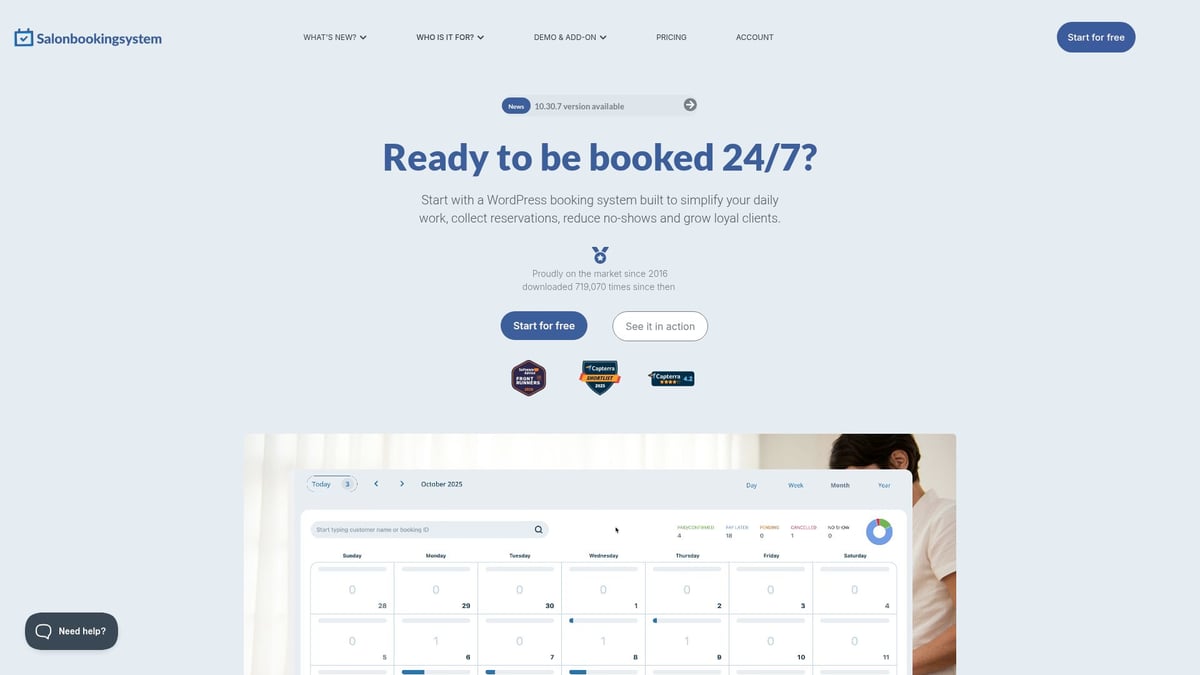
Salons that upgraded from the free google calendar booking system reported fewer no-shows and smoother workflows. These solutions offer real-time insights, personalized marketing, and dedicated support. For growing salons, the investment can quickly pay off in efficiency and client satisfaction.
Best Practices for Maximizing Success with Google Calendar Booking in 2026
Implementing a free google calendar booking system can dramatically improve your salon’s efficiency and client satisfaction. However, maximizing its impact requires thoughtful strategies, ongoing staff training, and a focus on the evolving needs of your business. Here are expert-backed best practices to help your salon thrive with online scheduling.
Streamlining the Client Experience
A seamless booking process is crucial for client satisfaction. With the free google calendar booking system, ensure your booking link is easy to find on your website and social media. Use clear service descriptions, transparent pricing, and up-to-date availability to avoid confusion.
- Embed your booking page on your homepage and contact pages
- Offer mobile-friendly booking forms for clients on the go
- Include FAQs or short guides to help clients book confidently
Personalize automated confirmations with the client’s name and appointment details. This attention to detail builds trust and encourages repeat business.
Reducing No-Shows and Improving Retention
No-shows can disrupt your schedule and affect revenue. The free google calendar booking system allows you to automate reminders via email and SMS, which research shows can reduce no-shows by up to 29% (Beauty Industry Report, 2025).
- Schedule reminders 24 hours and 1 hour before appointments
- Request confirmation from clients through integrated forms
- Offer incentives, such as loyalty points, for clients who show up or rebook
Monitor your no-show rates monthly to identify patterns and adjust your strategies as needed.
Training Staff and Ensuring Adoption
Success with the free google calendar booking system depends on staff buy-in. Provide hands-on training sessions to familiarize your team with booking features, calendar management, and client communication tools.
- Assign a staff member as your booking system champion
- Encourage team members to update their availability regularly
- Share quick reference guides or video tutorials for ongoing support
Regular check-ins can help identify challenges and foster a culture of continuous improvement.
Promoting Your Booking System
Visibility drives adoption. Feature your free google calendar booking system in your salon’s marketing, from social media stories to email newsletters. Add a prominent booking button to your Google Business Profile and website banners.
For more ideas on maximizing free solutions, explore free beauty salon management software, which highlights additional tools that integrate with calendar-based booking.
Encourage happy clients to leave reviews mentioning your easy online booking process to attract new business.
Staying Updated with New Features
Google regularly updates its calendar features. Stay informed by subscribing to Google Workspace updates and participating in online salon owner communities. Being an early adopter of new tools, such as enhanced booking analytics or improved mobile integration, can give your salon a competitive edge.
Review your setup quarterly to ensure you’re leveraging the latest functionalities. Continuous optimization keeps your booking process efficient and client-friendly.
As you’ve seen throughout this guide, leveraging Google Calendar’s free booking system can truly simplify how you manage appointments and communicate with clients in 2026. If you’re ready to streamline your salon’s scheduling, reduce no shows, and boost customer satisfaction without extra costs, now is the perfect time to take action. You don’t need a complicated setup or a big budget to get started—just the right tools and a willingness to improve. Let’s make 2026 your most efficient year yet—Start for free and experience the benefits for yourself.