Selecting the right appointment scheduling software represents one of the most critical decisions a salon owner will make for their business operations. While researching platforms online provides valuable information, nothing compares to experiencing a booking demo firsthand. A live demonstration allows you to see exactly how a system handles real-world scenarios, from managing overlapping appointments to processing client payments. For salon professionals juggling multiple stylists, services, and customer preferences, a thorough product demonstration serves as your opportunity to validate whether a platform can truly meet your specific operational needs.
Understanding the Value of a Product Demonstration
A product demo serves as a guided walkthrough where software providers showcase their platform's capabilities while addressing your specific business challenges. Unlike marketing materials or feature lists, demonstrations provide an interactive environment where you can ask questions, test workflows, and observe how the system handles situations unique to your salon.
Research from industry experts indicates that personalized demonstrations significantly improve decision-making quality. According to sales professionals, customized demos that address specific buyer needs increase conversion rates by up to 40% compared to generic presentations. This statistic holds particular relevance for salon owners who need to see how scheduling software handles their unique service menu, pricing structure, and staff availability patterns.
Why Generic Demos Fall Short for Salon Operations
Many software companies offer pre-recorded demonstrations or standardized presentations that showcase general features. While these provide a starting point, they rarely address the complexities salon professionals face daily.
Your salon likely deals with:
- Multiple service durations (15-minute eyebrow shaping versus 3-hour color corrections)
- Stylist-specific booking rules and availability
- Package deals and membership programs
- Commission-based payment splits
- Product inventory integrated with services
- Loyalty programs and referral tracking
A generic booking demo cannot adequately demonstrate how software manages these intricate scenarios. You need to see your specific workflows in action.
Preparing for Your Scheduling Software Demonstration
Successful product evaluations begin long before you join the demo call. Preparation ensures you maximize the session's value and gather the information necessary for an informed decision.
Create a Requirements Checklist
Document your salon's specific needs before attending any demonstration. This preparation keeps discussions focused and helps you compare different platforms objectively.
| Requirement Category | Essential Questions | Priority Level |
|---|---|---|
| Booking Management | Can clients book multiple services in one appointment? | High |
| Staff Scheduling | Does it handle individual stylist calendars and time-off requests? | High |
| Payment Processing | What payment gateways integrate with the system? | High |
| Client Communication | Are automated confirmations and reminders included? | Medium |
| Reporting | Can I track revenue by stylist, service, or time period? | Medium |
| Mobile Access | Do staff and clients both have mobile app options? | Medium |
Gather operational data such as your average monthly appointment volume, number of service providers, peak booking times, and most popular services. This information helps demo presenters tailor examples to your scale and complexity.
Questions That Reveal Software Limitations
While vendor representatives will highlight their platform's strengths, your job involves uncovering potential limitations. Effective sales demos balance showcasing capabilities with honest discussions about constraints.
Ask specific scenario-based questions:
- "Show me how the system handles a walk-in client when all stylists appear fully booked but might have small gaps."
- "What happens if a client books online for a service our newest stylist isn't yet trained to perform?"
- "How does the platform prevent double-booking during the 30-second window when two clients submit appointments simultaneously?"
- "Can you demonstrate the exact steps for processing a partial refund when a client cancels one service from a multi-service appointment?"
These detailed inquiries force presenters to navigate actual functionality rather than reciting prepared talking points.
Key Features to Evaluate During Your Booking Demo
Not all scheduling platforms offer equivalent capabilities. During your demonstration, focus on features that directly impact daily operations and customer satisfaction.
Online Booking Functionality
Your booking demo should thoroughly explore the client-facing reservation interface. According to industry research, 67% of customers prefer booking appointments outside regular business hours, making 24/7 online scheduling essential for revenue growth.
Test these specific elements:
- Service selection flow: Can clients easily understand service descriptions, durations, and pricing?
- Stylist preferences: Does the system allow clients to request specific team members or book with the next available stylist?
- Calendar visibility: Do clients see real-time availability or predetermined time slots?
- Mobile responsiveness: Request to view the booking interface on a smartphone during the demo
The best platforms make booking intuitive for clients unfamiliar with your services while providing enough flexibility for regular customers who know exactly what they want.
Payment Integration and Financial Management
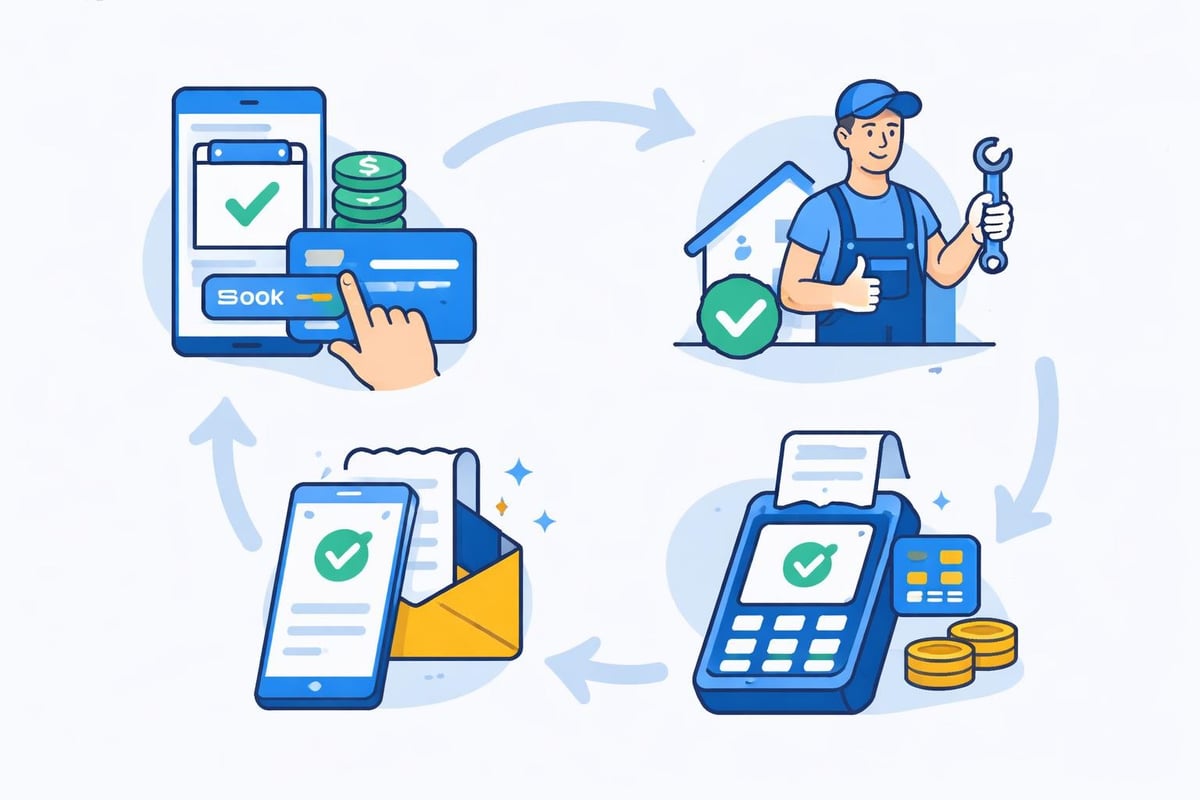
Payment processing represents a critical evaluation area often overlooked during initial demonstrations. Don't wait until implementation to discover limitations in financial functionality.
Request demonstrations of:
- Credit card processing with various payment gateways
- Deposit collection for high-value appointments
- Package and membership payment handling
- Gift certificate purchase and redemption
- Refund and cancellation fee processing
- Sales tax calculation and reporting
Ask about transaction fees, settlement timelines, and whether the platform supports your preferred payment processor. Some systems lock you into specific vendors with higher processing costs, significantly impacting your long-term profitability.
Advanced Scheduling Capabilities Worth Exploring
Beyond basic appointment booking, modern salon software should streamline complex scheduling scenarios that consume administrative time.
Staff Management and Scheduling Rules
During your booking demo, examine how the platform manages stylist-specific configurations. Cloud-based product demos allow you to test these features in real-time environments that mirror actual usage.
Essential staff management features include:
- Individual service menus (not all stylists offer all services)
- Variable pricing by experience level
- Buffer time between appointments for cleanup or consultation
- Blocked time for breaks, meetings, or administrative tasks
- Rotation rules for walk-ins among available staff
- Commission tracking and payout calculations
Request to see how the system handles a common scenario: a senior stylist who charges premium rates, only performs color services, requires 15-minute consultations before appointments, and doesn't work Mondays.
Handling Complex Service Combinations
Salons frequently offer services requiring sequential booking with multiple providers. Your demonstration should show exactly how the software manages these situations.
Consider this example: A client wants highlights (2 hours with Colorist A), followed immediately by a haircut (45 minutes with Stylist B), and then a manicure (30 minutes with Nail Technician C). The booking demo should illustrate whether the system can:
- Automatically calculate the total time requirement (3 hours, 15 minutes)
- Check availability for all three providers during the necessary time windows
- Present this as a single bookable appointment to the client
- Handle the scenario if one provider lacks availability
- Process payment splitting if providers work on commission
Platforms that cannot elegantly solve multi-provider bookings will create ongoing administrative headaches for your front desk staff.
Customer Communication and Engagement Features
Appointment confirmations and reminders directly impact your no-show rate, making communication features crucial evaluation criteria during any booking demo.
Automated Notification Systems
Industry data shows that automated text message reminders reduce no-shows by up to 30%, representing significant revenue protection for busy salons. Request detailed demonstrations of:
- Confirmation messages sent immediately upon booking
- Reminder scheduling (24 hours before, 2 hours before, etc.)
- Customizable message templates with your salon's branding
- Two-way communication allowing clients to confirm or reschedule
- Waitlist notifications when appointments become available
Ask whether the platform charges per-message fees or includes unlimited notifications. Some systems advertise automated reminders but impose costs that make the feature prohibitively expensive at scale.
| Communication Feature | Business Impact | Questions to Ask |
|---|---|---|
| Appointment confirmations | Reduces confusion and booking errors | Can clients add appointments to their personal calendars directly? |
| Reminder messages | Decreases no-shows by 20-30% | What channels are supported (SMS, email, push notifications)? |
| Promotional campaigns | Drives rebooking and fills slow periods | Can I segment clients by service history or spending level? |
| Review requests | Improves online reputation | Does the system automatically request reviews after appointments? |
Marketing and Retention Tools
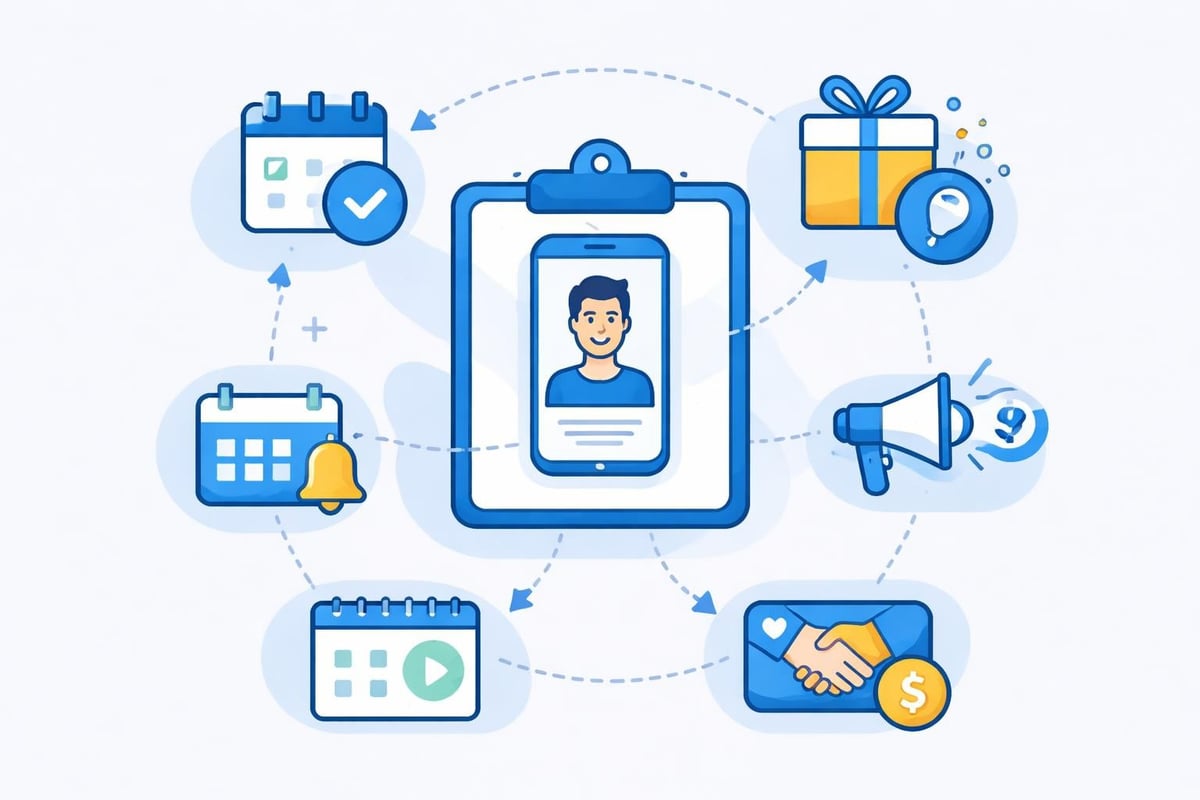
Product demos for SaaS companies should demonstrate how platforms build long-term customer value, not just handle transactions. Ask to see client relationship management features including:
Client history tracking: Complete service records, product purchases, allergies or sensitivities, style preferences, and previous stylists.
Automated marketing: Birthday messages with special offers, rebooking reminders for services with regular maintenance intervals (color touch-ups every 6-8 weeks), and promotional campaigns for slow periods.
Loyalty programs: Point accumulation for visits or spending, reward redemption options, and referral incentive tracking.
These features transform your scheduling software from a simple calendar into a comprehensive business management platform.
Technical Considerations and Integration Requirements
Beyond user-facing features, your booking demo should address technical infrastructure that impacts reliability and workflow efficiency.
Integration Ecosystem
Modern salons use multiple software tools for different aspects of operations. Your scheduling platform should integrate seamlessly with existing systems rather than forcing you to abandon functional tools.
Request demonstrations of integrations with:
- Accounting software (QuickBooks, Xero) for automated financial record keeping
- Point-of-sale systems for in-salon product purchases
- Email marketing platforms (Mailchimp, Constant Contact) for promotional campaigns
- Google My Business for automatic appointment availability display
- Social media platforms for bookings through Facebook or Instagram
Ask specifically about data synchronization: Does information flow automatically between systems, or do you need to manually export and import files? Real-time integration prevents the double-entry that wastes staff time and introduces errors.
Data Security and Compliance
Salon booking systems store sensitive client information including contact details, payment methods, and potentially medical information (allergies, skin sensitivities). Best practices for software demos include addressing security protocols explicitly.
During your demonstration, inquire about:
- Data encryption: Are client records encrypted both in transit and at rest?
- Payment security: Is the platform PCI-DSS compliant for credit card processing?
- Backup procedures: How frequently is data backed up, and what's the recovery process if systems fail?
- Access controls: Can you restrict which staff members view financial reports or client payment information?
- Data ownership: If you cancel your subscription, can you export your complete client database?
Reputable vendors welcome these questions and provide clear documentation about security measures. Evasive or vague responses should raise immediate red flags.
Evaluating User Experience and Learning Curve
The most feature-rich platform delivers little value if your staff finds it confusing or time-consuming to use. Effective B2B demos prioritize user experience alongside functionality.
Staff-Facing Interface Assessment
Request that your booking demo includes views of the staff dashboard where your team will spend their time. Evaluate whether the interface design facilitates or hinders common tasks.
Daily workflow considerations:
- Can staff view their personal schedule and their colleagues' calendars simultaneously?
- How many clicks does it take to reschedule an appointment?
- Is client contact information immediately visible or buried in sub-menus?
- Can front desk staff quickly see which stylists have openings for walk-ins?
Ask the presenter to complete a typical task (like rescheduling an appointment and notifying the client) without preparation. This unscripted demonstration reveals whether the interface supports intuitive navigation or requires extensive memorization.
Training and Support Resources
Implementation success depends heavily on available training resources and ongoing support quality. During your demonstration, investigate:
- Initial onboarding: Do they provide live training sessions or only video tutorials?
- Documentation: Are help articles comprehensive and searchable?
- Support availability: What hours can you reach technical support, and through which channels (phone, email, chat)?
- Response times: What's the typical resolution timeframe for technical issues?
- Additional costs: Are training and support included or charged separately?
Request contact information for current clients you can speak with about their implementation experience and ongoing support satisfaction. Vendors confident in their service quality readily provide references.
Making the Most of Multiple Demonstrations
Rarely should you choose scheduling software based on a single booking demo. Plan to evaluate at least three platforms to understand the market landscape and identify which features truly differentiate solutions.
Standardizing Your Evaluation Process
Create a scoring rubric used consistently across all demonstrations. This structured approach prevents decisions based on which sales representative delivered the most polished presentation rather than which platform best serves your needs.
Sample evaluation rubric:
| Criteria | Weight | Platform A Score | Platform B Score | Platform C Score |
|---|---|---|---|---|
| Online booking ease | 20% | |||
| Staff scheduling flexibility | 15% | |||
| Payment processing options | 15% | |||
| Client communication tools | 15% | |||
| Reporting capabilities | 10% | |||
| Mobile functionality | 10% | |||
| Integration options | 10% | |||
| Pricing value | 5% |
Rate each criterion on a 1-10 scale during or immediately after each demonstration while details remain fresh. Multiply by the weight percentage to calculate weighted scores, then total for an objective comparison.
Following Up After Initial Demonstrations
Best practices for remote sales demos emphasize the importance of hands-on trial periods following presentations. Request extended trial access that allows your team to test the platform with actual client data and workflows.
During trial periods:
- Import a sample of your client database to test how the system handles your existing records
- Have multiple staff members complete common tasks to assess whether the interface suits varying technical comfort levels
- Attempt to recreate your most complex scheduling scenario to validate the platform can handle edge cases
- Contact support with questions to evaluate responsiveness and helpfulness
Take detailed notes throughout your trial, documenting both successes and frustrations. These real-world insights prove far more valuable than controlled demonstration environments.
Understanding Pricing Structures and Total Cost of Ownership
While features drive initial interest, pricing determines long-term viability. Your booking demo should include transparent discussion of all costs associated with platform adoption.
Pricing Model Variations
Salon scheduling software typically uses one of several pricing structures:
- Per-appointment fees: You pay a small amount (typically $0.25 to $1.00) for each booking made through the system
- Monthly subscription per provider: Fixed monthly fee multiplied by your number of stylists
- Flat monthly rate: Single price regardless of staff size or booking volume
- Tiered pricing: Cost increases based on feature access level
Each model advantages different business profiles. High-volume salons often find per-appointment pricing expensive, while small studios with few bookings might prefer paying only for usage. Request detailed pricing scenarios based on your specific volume projections.
Hidden Costs to Investigate
Beyond base subscription fees, ask your booking demo presenter about additional charges for:
- Payment processing: What percentage plus per-transaction fees apply?
- Text message notifications: Are SMS messages unlimited or charged per message?
- Premium features: Do advanced capabilities require higher-tier subscriptions?
- Implementation assistance: Are there one-time setup or data migration fees?
- Contract terms: What discounts apply for annual versus monthly billing?
Calculate total cost of ownership over one and three years under realistic usage assumptions. A platform with higher base fees but unlimited messaging and lower payment processing might cost less annually than an apparently cheaper competitor with per-use charges.
Recognizing Red Flags During Product Demonstrations
While vendors naturally present their platforms favorably, certain behaviors during booking demos should trigger caution.
Warning Signs of Problematic Platforms
Avoiding specific questions: If presenters consistently deflect detailed technical questions or promise to "follow up later" without providing substantive answers, the platform likely lacks those capabilities.
Pressured decision-making: Tactics like "this discount expires today" or "we only have two spots left this month" indicate sales practices prioritizing commissions over customer fit.
Reluctance to show specific features: When you request demonstration of particular functionality and presenters skip it or provide only superficial overviews, that feature probably works poorly.
Absence of current clients: Vendors should readily connect you with satisfied customers. Inability or unwillingness to provide references suggests problems with customer satisfaction.
Vague performance metrics: SaaS demo best practices include providing concrete uptime statistics, average support response times, and customer retention rates. Evasive responses indicate potential service quality issues.
Investing time in comprehensive booking demos transforms software selection from guesswork into an informed strategic decision. By preparing specific questions, evaluating multiple platforms systematically, and testing functionality through hands-on trials, you ensure your chosen solution genuinely supports your salon's operational needs and growth objectives. Salon Booking System offers personalized demonstrations tailored to your specific workflows, with transparent pricing and comprehensive support resources designed specifically for salon professionals. Schedule your customized demo today to see how our platform simplifies appointment management while enhancing client satisfaction.